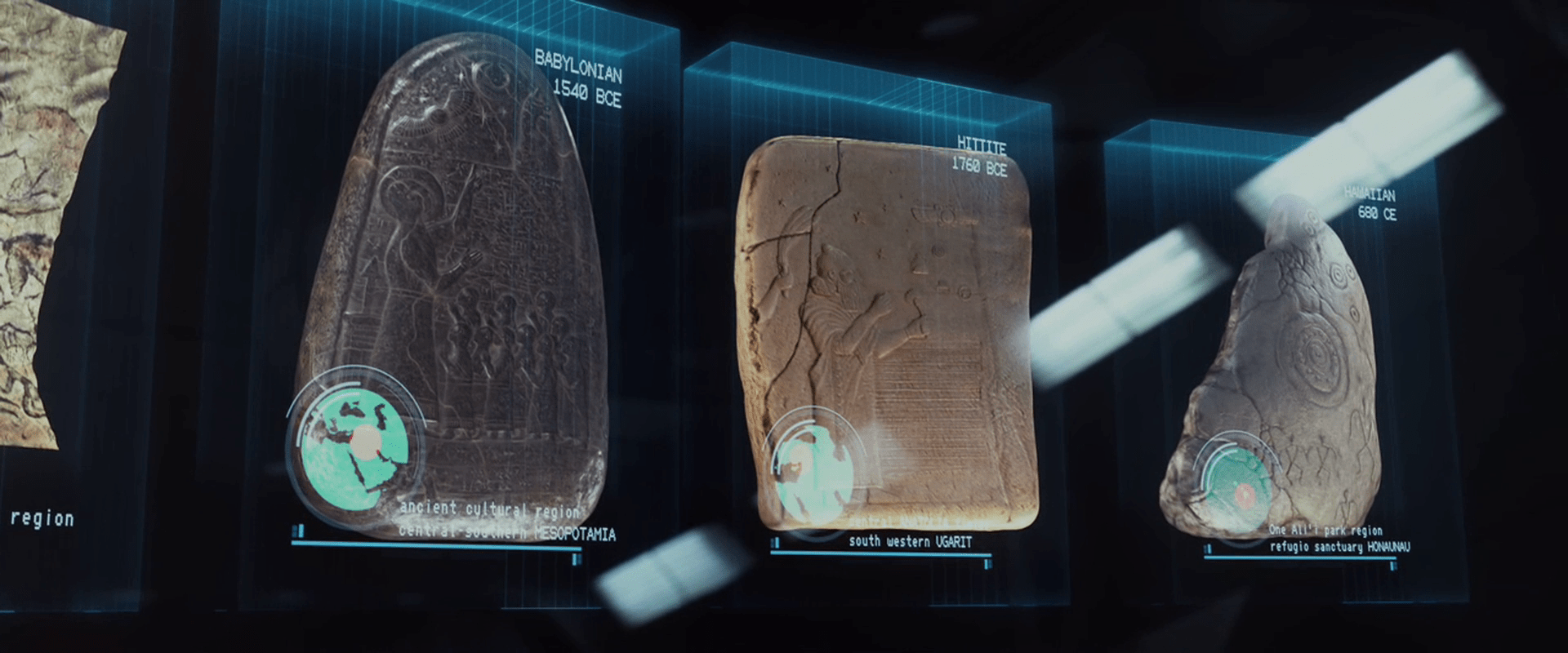
Janek wishes a Merry Christmas

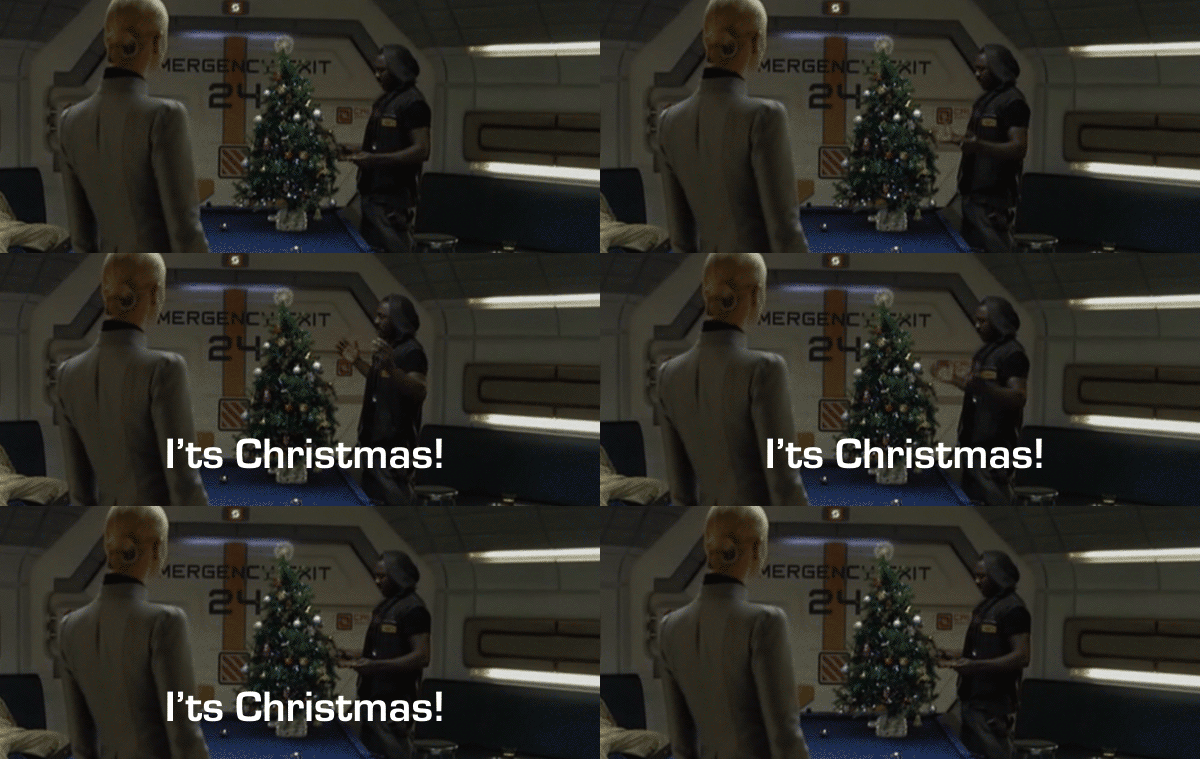
In what is the only instance of Christmas in the survey, one of the first thing Captain Janek does after recovering from hypersleep is to set up a small Christmas tree. When confronted by Vickers asking, “What the hell is that?” he answers simply, “It’s Christmas!”

its_xnas

Happy holidays to you and yours no matter how you celebrate it.

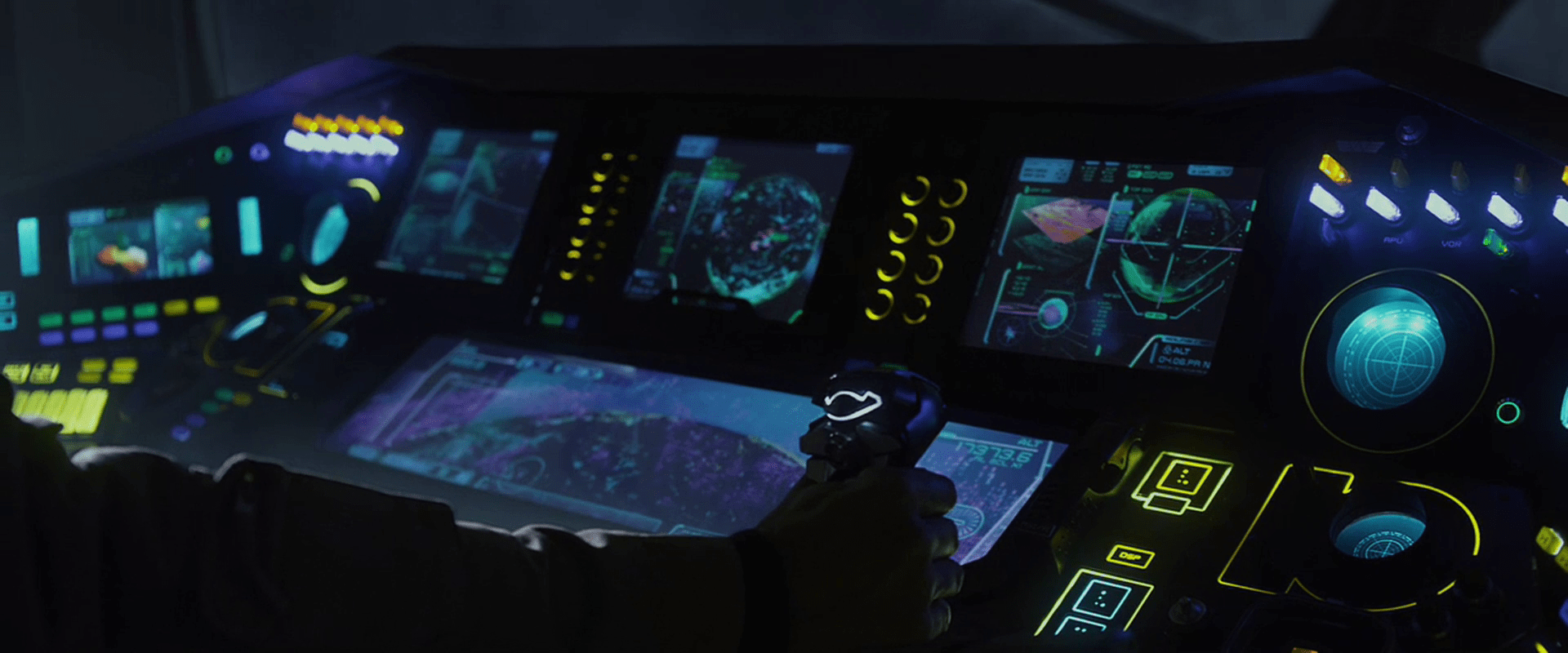
Prometheus’ Flight instrument panels

There are a great many interfaces seen on the bridge of the Prometheus, and like most flight instrument panels in sci-fi, they are largely about storytelling and less about use.

Prometheus-100

The captain of the Prometheus is also a pilot, and has a captain’s chair with a heads-up display. This HUD has with real-time wireframe displays of the spaceship in plan view, presumably for glanceable damage feedback.

Prometheus-028

He also can stand afore at a waist-high panel that overlooks the ship’s view ports. This panel has a main screen in the center, grouped arrays of backlit keys to either side, a few blinking components, and an array of red and blue lit buttons above. We only see Captain Janek touch this panel once, and do not see the effects.

Prometheus-097

Navigator Chance’s instrument panel below consists of four 4:3 displays with inscrutable moving graphs and charts, one very wide display showing a topographic scan of terrain, one dim panel, two backlit reticles, and a handful of lit switches and buttons. Yellow lines surround most dials and group clusters of controls. When Chance “switches to manual”, he flips the lit switches from right to left (nicely accomplishable with a single wave of the hand) and the switches lights light up to confirm the change of state. This state would also be visible from a distance, useful for all crew within line of sight. Presumably, this is a dangerous state for the ship to be in, though, so some greater emphasis might be warranted: either a blinking warning, or a audio feedback, or possibly both.

Prometheus-094Prometheus-102

Captain Janek has a joystick control for manual landing control. It has a line of light at the top rear-facing part, but its purpose is not apparent. The degree of differentiation in the controls is great, and they seem to be clustered well.

Prometheus-104

A few contextless flight screens are shown. One for the scientist known only as Ford features 3D charts, views of spinning spaceships, and other inscrutable graphs, all of which are moving.

Prometheus-095

A contextless view shows the points of metal detected overlaid on a live view from the ship.

Prometheus-101

There is a weather screen as well that shows air density. Nearby there’s a push control, which Chance presses and keeps held down when he says, “Boss, we’ve got an incoming storm front. Silica and lots of static. This is not good.” Thought we never see the control, it’s curious how such a thing could work. Would it be an entire-ship intercom, or did Chance somehow specify Janek as a recipient with a single button?

Prometheus-078

Later we see Chance press a single button that illuminates red, after which the screens nearby change to read “COLLISION IMMINENT,” and an all-ship prerecorded announcement begins to repeat its evacuation countdown.

Prometheus-309

This is single button is perhaps the most egregious of the flight controls. As Janek says to Shaw late in the film, “This is not a warship.” If that’s the case, why would Chance have a single control that automatically knows to turn all screens red with the Big Label and provide a countdown? And why should the crew ever have to turn this switch on? Isn’t a collision one of the most serious things that could happen to the ship? Shouldn’t it be hard to, you know, turn off?

Mission Briefing

Once the Prometheus crew has been fully revived from their hypersleep, they gather in a large gymnasium to learn the details of their mission from a prerecorded volumetric projection. To initiate the display, David taps the surface of a small tablet-sized handheld device six times, and looks up. A prerecorded VP of Peter Weyland appears and introduces the scientists Shaw and Holloway.

This display does not appear to be interactive. Weyland does mention and gesture toward Shaw and Holloway in the audience, but they could have easily been in assigned seats.

Cue Rubik’s Space Cube

After his introduction, Holloway places an object on the floor that looks like a silver Rubik’s Cube with a depressed black button in the center-top square.

Prometheus-055

He presses a middle-edge button on the top, and the cube glows and sings a note. Then a glowing-yellow “person” icon appears, glowing, at the place he touched, confirming his identity and that it’s ready to go.

He then presses an adjacent corner button. Another glowing-yellow icon appears underneath his thumb, this one a triangle-within-a-triangle, and a small projection grows from the side. Finally, by pressing the black button, all of the squares on top open by hinged lids, and the portable projection begins. A row of 7 (or 8?) “blue-box” style volumetric projections appear, showing their 3D contents with continuous, slight rotations.

Gestural control of the display

After describing the contents of each of the boxes, he taps the air towards either end of the row (there is a sparkle-sound to confirm the gesture) and he brings his middle fingers together like a prayer position. In response, the boxes slide to a center as a stack.

He then twists his hands in opposite directions, keeping the fingerpads of his middle fingers in contact. As he does this, the stack merges.

Prometheus-070

Then a forefinger tap summons an overlay that highlights a star pattern on the first plate. A middle finger swipe to the left moves the plate and its overlay off to the left. The next plate automatically highlights its star pattern, and he swipes it away. Next, with no apparent interaction, the plate dissolves in a top-down disintegration-wind effect, leaving only the VP spheres that illustrate the star pattern. These grow larger.

Halloway taps the topmost of these spheres, and the VP zooms through intersteller space to reveal an indistinct celestial sphere. He then taps the air again (nothing in particular is beneath his finger) and the display zooms to a star. Another tap zooms to a VP of LV-223.

Prometheus_VP-0030

Prometheus_VP-0031

After a beat of about 9 seconds, the presentation ends, and the VP of LV-223 collapses back into its floor cube.

Evaluating the gestures

In Chapter 5 of Make It So we list the seven pidgin gestures that Hollywood has evolved. The gestures seen in the Mission Briefing confirm two of these: Push to Move and Point to Select, but otherwise they seem idiosyncratic, not matching other gestures seen in the survey.

That said, the gestures seem sensible. On tapping the “bookends” of the blue boxes, Holloway’s finger pads come to represent the extents of the selection, so bringing them together is a reasonable gesture to indicate stacking. The twist gesture seems to lock the boxes in place, to break the connection between them and his fingertips. This twist gesture turns his hand like a key in a lock, so has a physical analogue.

It’s confusing that a tap would perform four different actions (highlight star patterns in the blue boxes, zoom to the celestial sphere, zoom to star, zoom to LV-223) but there is no indication that this is a platform for manipulating VPs as much as it is a presentation software. With this in mind he could arbitrarily assign any gesture to simply “advance the slide.”

Floating-pixel displays

In other posts we compared the human and alien VPs of Prometheus. They were visually distinct from each other, with the alien “glowing pollen” displays being unique to this movie.

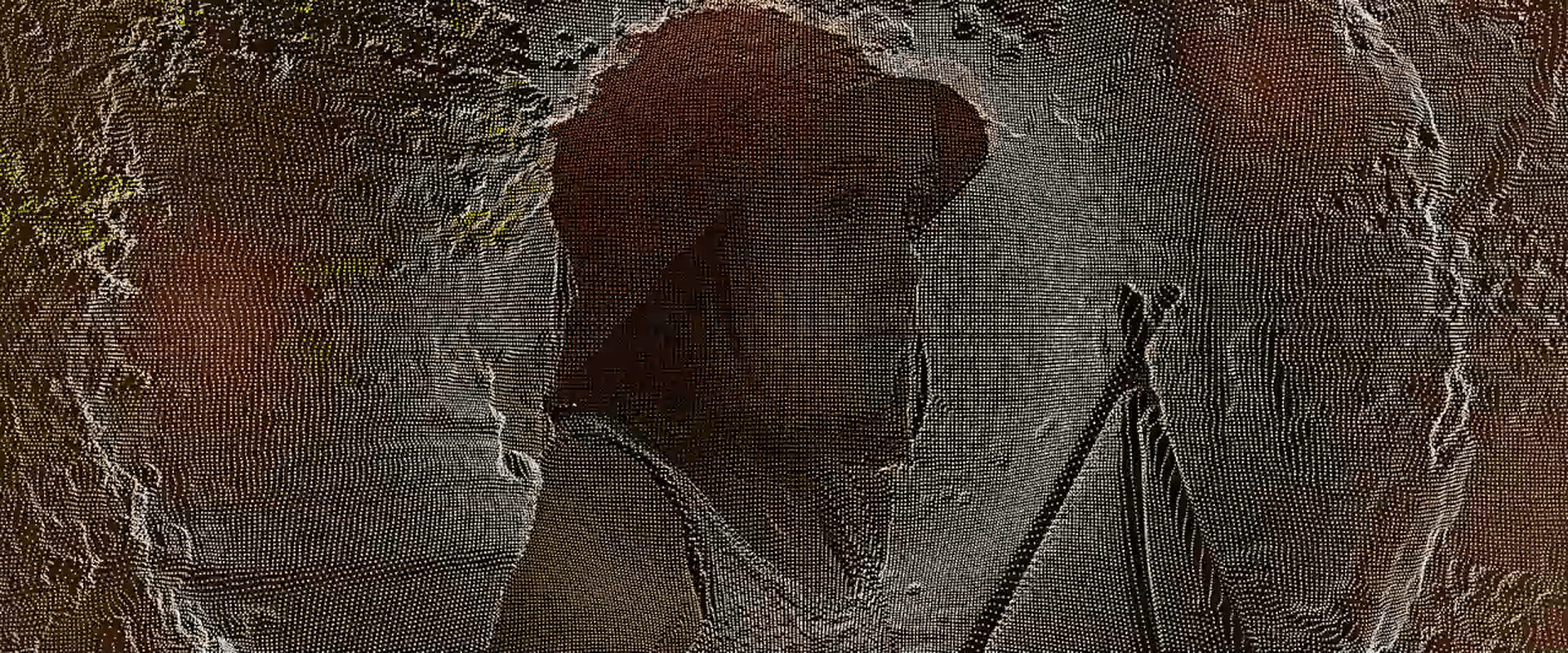
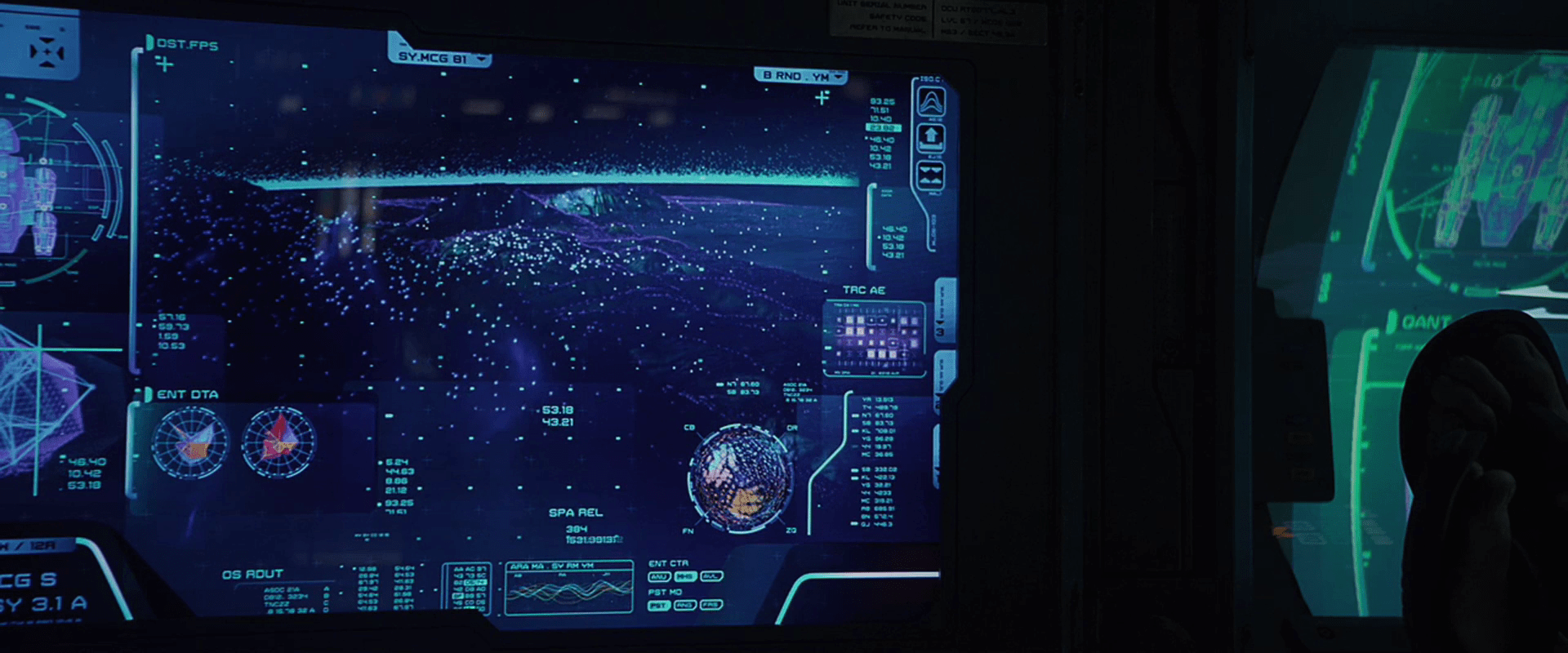
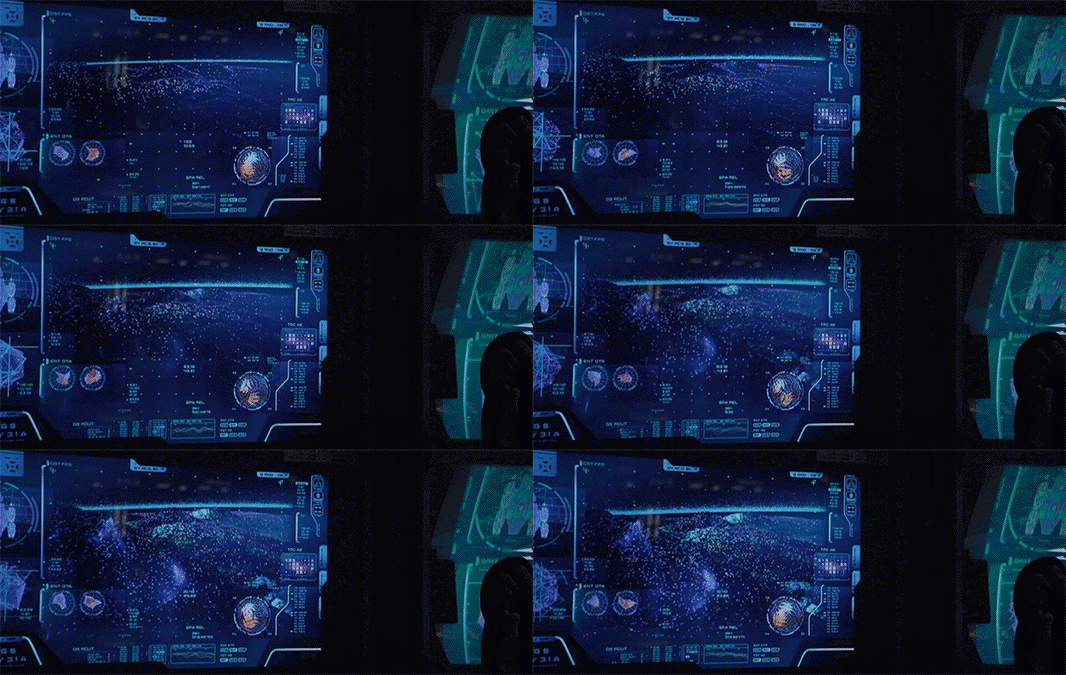
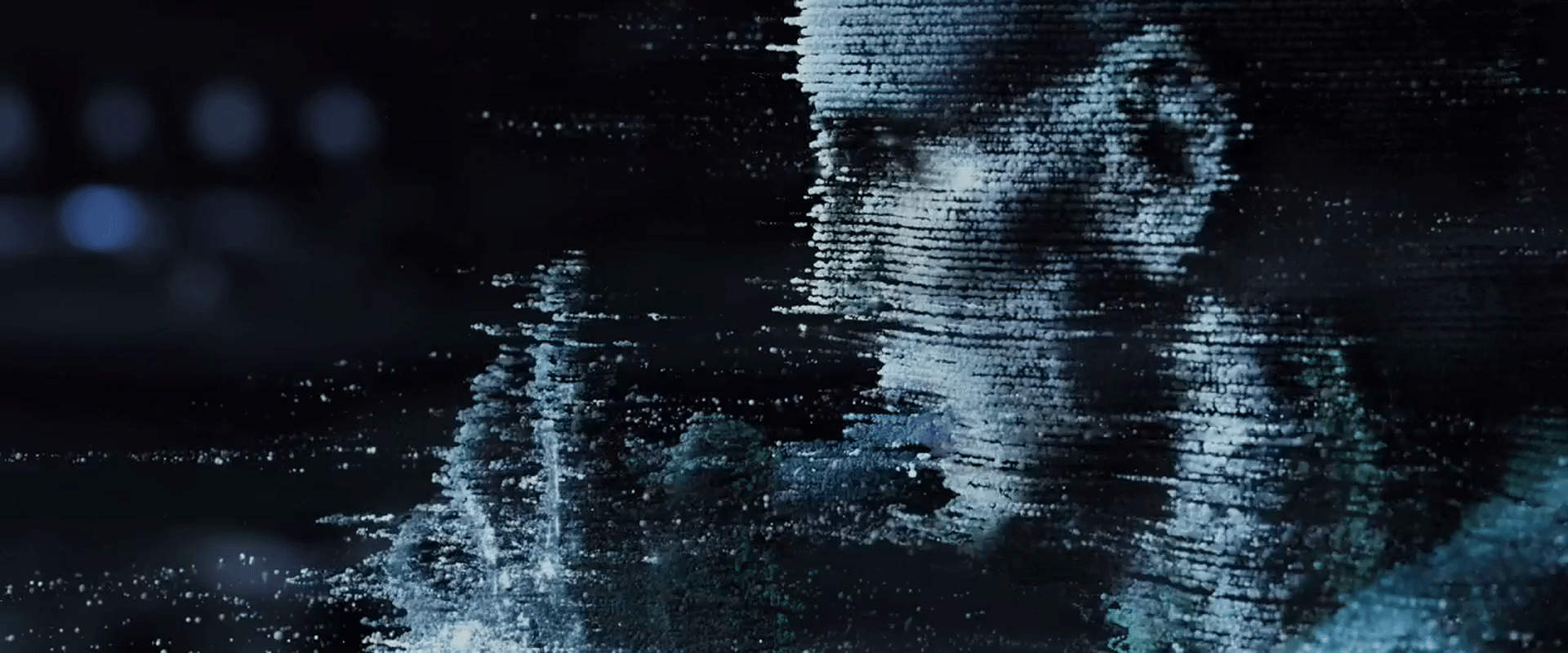
There is a style of human display in Prometheus that looks similar to the pollen. Since the users of these displays don’t perceive these points in 3D, it’s more precise to call it a floating-pixel style. These floating-pixel displays appear in three places.

  • David’s Neurovisor for peering into the dreams of the hypersleeping Shaw. (Note this may be 3D for him.)
  • The landing-sequence topography displays
  • The science lab scanner, used on the alien head
Prometheus-007
Prometheus-096
Prometheus-165

There is no diegetic reason offered in the movie for the appearance of an alien 3D display technology in human 2D systems. When I started to try and explain it, it quickly drifted away from interaction design and into fan theory, so I have left it as an exercise for the reader. But there remains a question about the utility of this style.

Poor cues for understanding 3D

Floating, glowing points are certainly novel to our survey as a way to describe 3D shapes for users. And in the case of the alien pollen, it makes some sense. Seeing these in the world, our binocular vision would help us understand the relationships of each point as well as the gestalt, like walking around a Christmas tree at night.

But in 2D, simple points are not ideal for understanding 3D surfaces. Especially when the pixels are all the same apparent size. We normally use the small bits of scale to help us understand an object’s relative distance from us. Though the shape can be kind-of inferred through motion, it still creates a great deal of visual noise. It also hurts when the points are too far apart. It doesn’t give us a gestalt sense of surface.

I couldn’t find any scientific studies of the readability of this style, this is my personal take on it. But we also can look to the real world, namely to the history of maps, where cartographers have wrestled with similar problems to show topography. Centuries of their trial-and-error have resulted in four primary techniques for describing 3D shapes on a 2D surface: hachures, contour lines, hypsometric tints, and shaded relief.

(images from http://www.siskiyous.edu/shasta/map/map/)

These styles utilize lines, shades, and colors to describe topography, and notably not points. Even modern 3D modeling software uses tessellated wireframes instead of floating points as a lightweight rendering technique. To my knowledge, only geographic information systems display anything similar, and that’s only when the user wants to see actual data points.

These anecdotal bits of evidence combine with my observations of these interfaces in Prometheus to convince me that while it’s stylistically unique (and therefore useful to the filmmakers), it’s seriously suboptimal for real-world adoption.

Alien VPs

In the volumetric projection chapter of Make It So, we note that sci-fi makers take pains to distinguish the virtual from the real most often with a set of visual treatments derived from the “Pepper’s Ghost” parlor trick, augmented with additional technology cues: translucency, a blue tint, glowing whites, supersaturated colors for wireframed objects, clear pixels and/or flicker, with optional projection rays.

Prometheus has four types of VPs that adhere to this style in varying degrees. Individual displays (with their interactions) are discussed in other posts. This collection of posts compares their styles. This particular post describes the alien VPs.

Prometheus-223

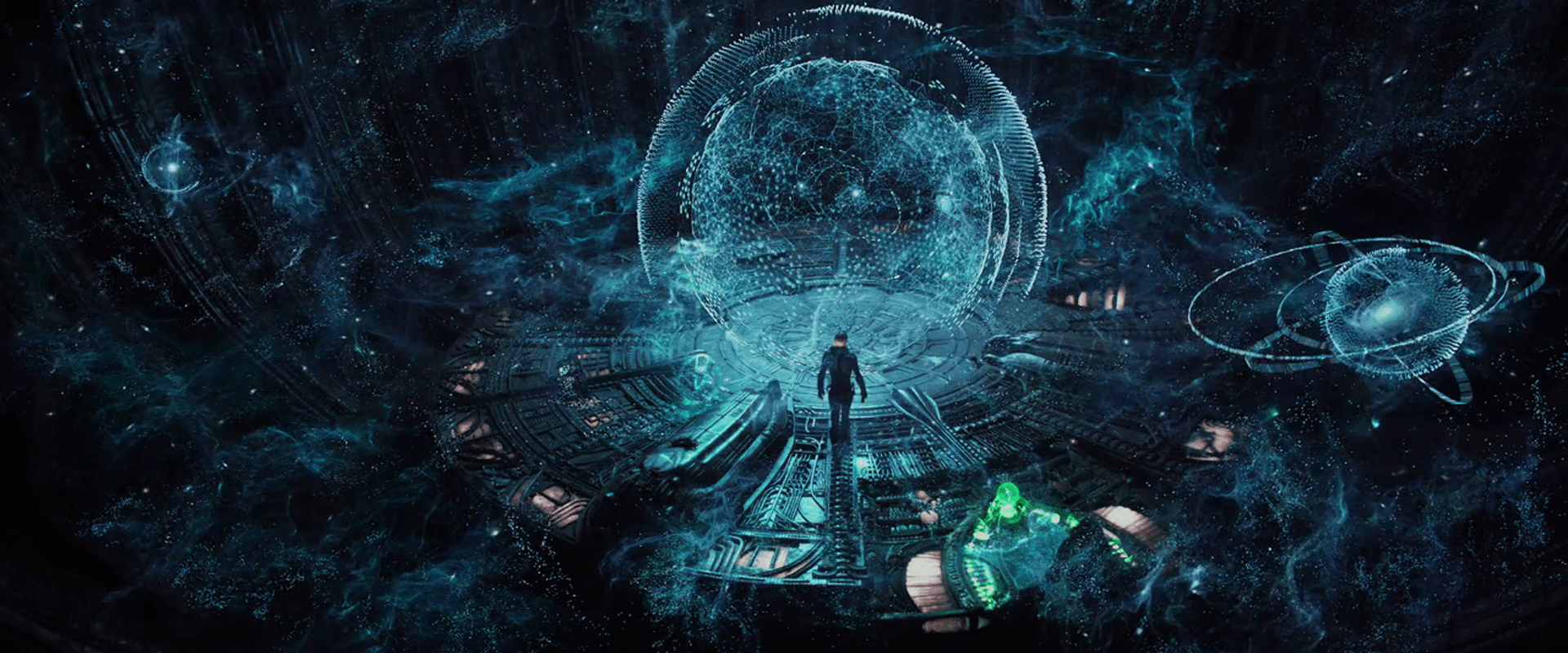
The two alien VPs are quite different from the human VPs in appearance and behavior. The first thing to note is that they adhere to the Pepper’s Ghost style more readily, with glowing blue-tinted whites and transparency. Beyond that they differ in precision and implied technology.

Precision VPs

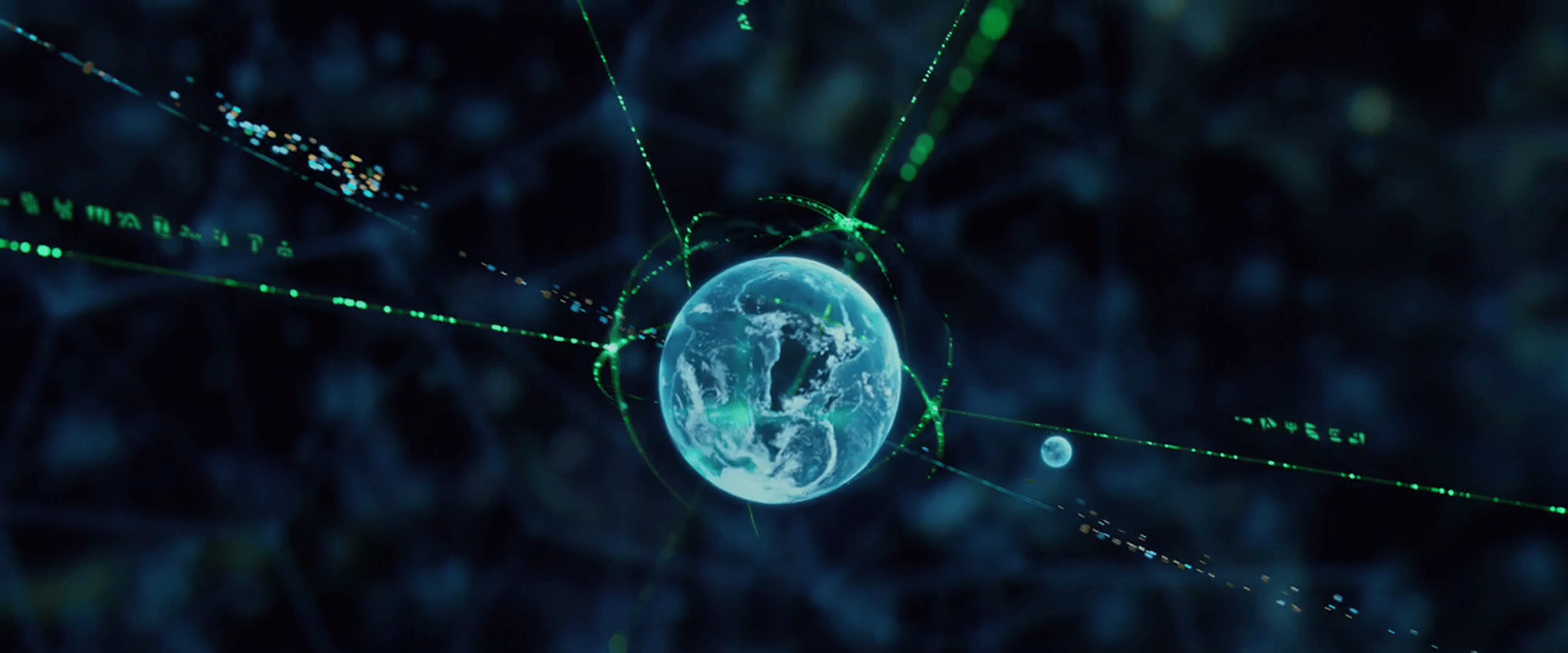
The first style of alien VP appears in the bridge of the alien vessel, where projection technology can be built into the architecture. The resolution is quite precise. When the grapefruit-sized Earth gets close to the camera in one scene, it appears to have infinite resolution, even though this is some teeny tiny percentage of the whole display.

Prometheus-228

Glowing Pollen

The other alien VP tech is made up of small, blue-white voxels that float, move in space, obey some laws of physics, and provide a crude level of resolution. These appear in the caves of the alien complex where display tech is not present in the walls, and again as “security footage” in the bridge of the alien ship. Because the voxels obey some laws of physics, it’s easier to think of them as glowing bits of pollen.

Prometheus-211 Prometheus-140

Pollen behavior

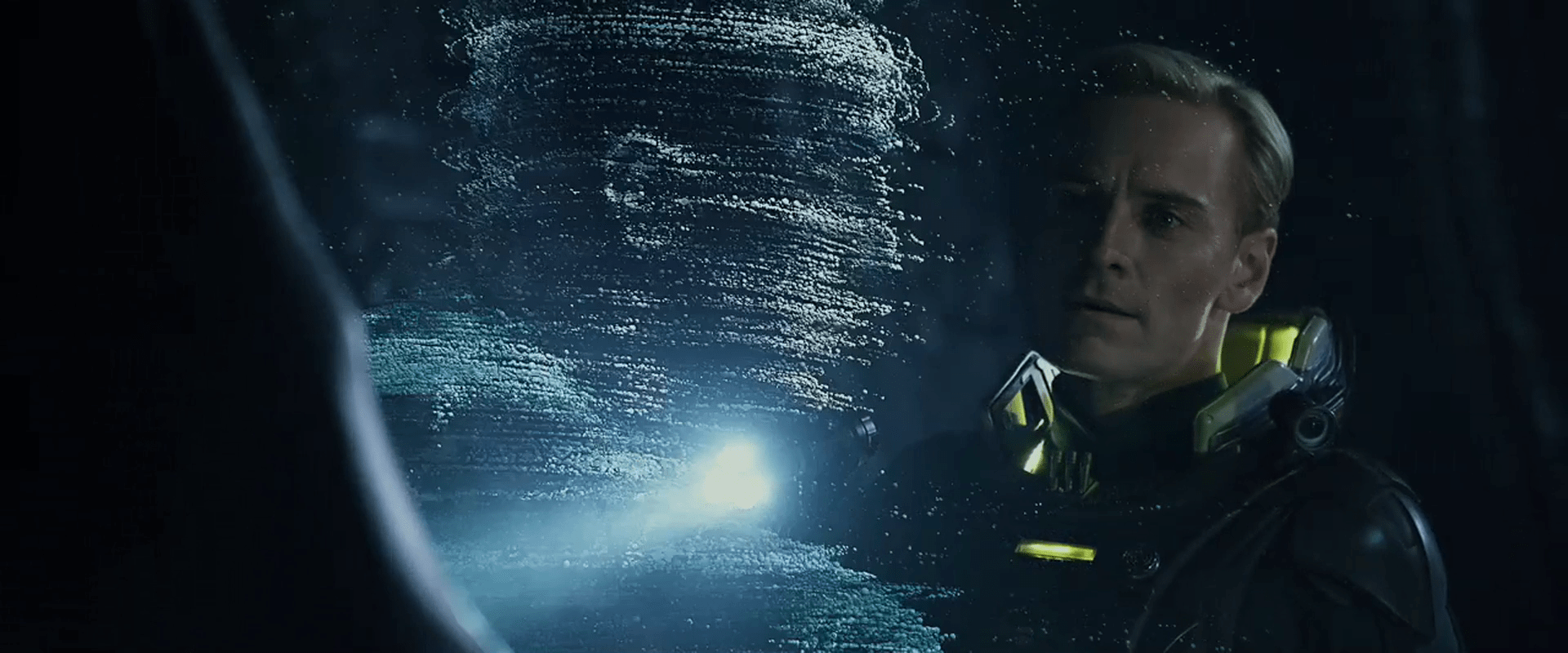
These voxels appear to not be projections of light in space, but actual motes that float through the air. When David activates the “security footage” in the alien complex, a wave of this pollen appears and flows past him. It does not pass through him, but collides with him, each collided mote taking a moment to move around him and regain its roughly-correct position in the display. (How it avoids getting in his mouth is another question entirely.) The motes even produce a gust of wind that disturb David’s bleached coif.

Pollen inaccuracy

The individual lines of pollen follow smooth arcs through the air, but lines appear to be slightly off from one another.

Prometheus-215

This style is beautiful and unique, and conveys a 3D display technology that can move to places even where there’s not a projector in line of sight. The sci-fi makers of this speculative technology use this inaccuracy to distinguish it from other displays. But if a precise understanding of the shapes being described is useful to its viewers, of course it would be better if the voxels were more precisely positioned in space. That’s a minor critique. The main critique of this display is when it gets fed back into the human displays as an arbitrary style, as I’ll discuss in the next post about the human-tech, floating-pixel displays.

Human VPs

In the volumetric projection chapter of Make It So, we note that sci-fi makers take pains to distinguish the virtual from the real most often with a set of visual treatments derived from the “Pepper’s Ghost” parlor trick, augmented with additional technology cues: translucency, a blue tint, glowing whites, supersaturated colors for wireframed objects, clear pixels and/or flicker, with optional projection rays.

Prometheus has four types of VPs that adhere to this style in varying degrees. Individual displays (with their interactions) are discussed in other posts. This collection of posts compares their styles. This particular post describes the human VPs.

Prometheus-064

Blue-box displays

One type of human-technology VPs are the blue-box displays:

  • David’s language program
  • Halloway and Shaw’s mission briefing
  • The display in Shaw’s quarters

These adhere more closely to the Pepper’s Ghost style, being contained in a translucent blue cuboid with saturated surface graphics and a grid pattern on the sides.

Weyland-Yutani VP

The other type of human displays are the Weyland-Yutani VPs. These have translucency and supersaturated wireframes, but they do not have any of the other conventional Pepper’s Ghost cues. Instead they add two new visual cues to signal to the audience their virtualness: scaffolded transitions and edge embers.

When a Weyland-Yutani VP is turned on, it does not simply blink into view. It builds. First, shapes are described in space as a tessellated surface, made of yellow-green lines describing large triangles that roughly describe the forthcoming object or its extents. These triangles have a faint smoky-yellow pattern on their surface. Some of the lines have yellow clouds and bright red segments along their lengths. Additionally, a few new triangles extend to a point space where another piece of the projection is about to appear. Then the triangles disappear, replaced with a fully refined image of the 3D object. The refined image may flicker once or twice before settling into persistence. The whole scaffolding effect is staggered across time, providing an additional sense of flicker to the transition.

Prometheus-010

Motion in resolved parts of the VP begins immediately, even as other aspects of the VP are still transitioning on.

When a VP is turned off, this scaffolding happens in reverse, as elements decay into tessellated yellow wireframes before flickering out of existence.

Edge embers

A line of glowing, flickering, sliding, yellow-green points illustrates the extents of the VP area, where a continuous surface like flooring is clipped at the limits of the display. These continue across the duration of the playback.

A growing confidence in audiences

This slightly different strategy to distinguishing VPs from the real world indicates the filmmaker’s confidence that audiences are growing familiar enough with this trope that fewer cues are needed during the display. In this case the translucency and subtle edge embers are the only persistent cues, pushing the major signals of the scaffolding and surface flicker to the transitions.

If this trend continues and sci-fi makers become overconfident, it may confuse some audiences, but at the same time give the designers of the first real-world VPs more freedom with their appearance. They wouldn’t have to look like Star Wars’.

Something new: Projected Reflectance

One interesting detail is that when we see Vickers standing in the projection of Weyland’s office, she casts a slight reflection in the volumetric surface. It implies a technology capable of projecting not just luminance, but reflectivity as well. The ability to project volumetric mirrors hasn’t appeared before in the survey.

Prometheus_VP-0012

Lesson: Transition by importance

Another interesting detail is that when the introduction to the Mission briefing ends, the environment flickers out first, then the 2D background, then Weyland’s dog, then finally Weyland.

This order isn’t by position, brightness, motion, or even surface area (the dog confounds that.) It is by narrative importance: Foreground, background, tertiary character, primary character. The fact that the surrounding elements fade first keep your eyes glued onto the last motion (kind of like watching the last bit of sun at a sunset), which in this order is the most important thing in the feed, i.e. the human in view. If a staggered-element fade-out becomes a norm in the real world for video conferencing (or eventually VP conferencing), this cinematic order is worth remembering.

Interior Doors

Certain doors within Prometheus require the user open them by providing input to a glowing keypad on the door. Reviewing these door panels in detail shows a great deal of variation in their design and interaction.

Descriptions

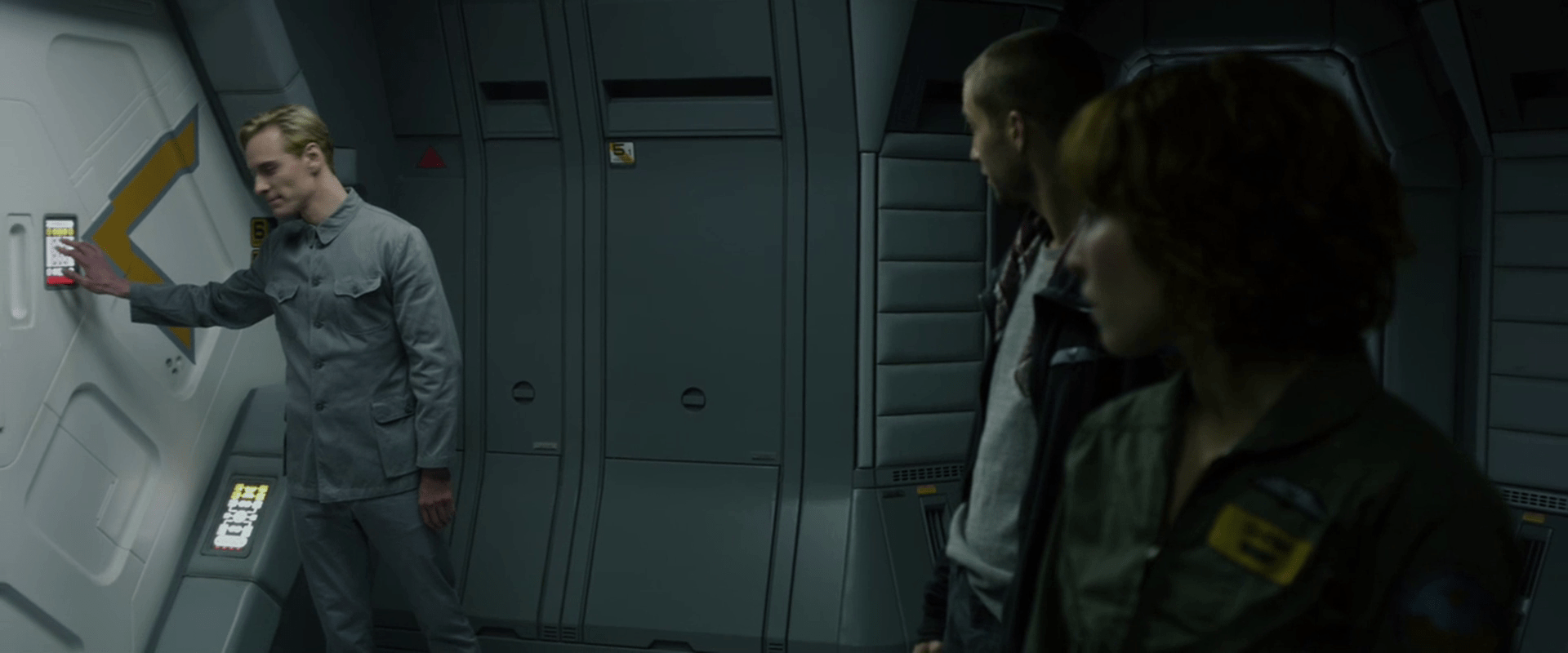
The first one we see has the panel to the left within arm’s reach of the door’s central seam. To open this door, David touches a black square on the interface, though its details are difficult to see. We do hear a beeping to confirm the touch before the door whooshes open.

Prometheus-008

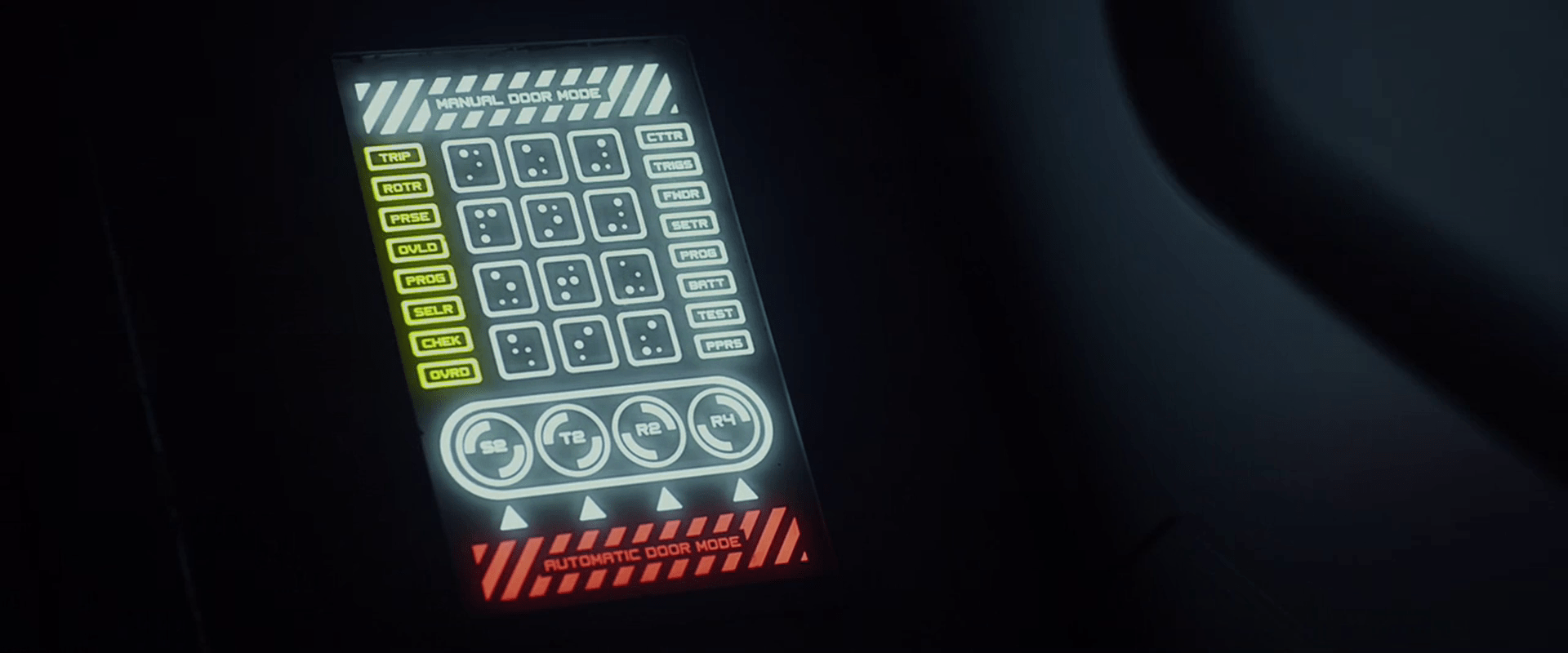
We get a clearer view of the panel that lets him into a hallway. This door is just around a meter wide, and the panel is on the left near the frame at chest level. This vertical panel has white safety stripes at the top, with a yellow row of buttons below that. The middle of the panel has two columns on the left and right edges stacked with buttons, and a 4×3 grid of buttons, labeled with characters that look something like Braille, but that don’t translate readily from English Braille, and with some of the dots in the cells larger or brighter than others. Below that grid of buttons is a white duplication of the yellow buttons above. At the bottom is a red duplication of the safety stripes button at the top.

To gain access to the hallway (where the destination threshold event occurs), David presses two keys at once—what would be the 2 and 4 keys on a telephone keypad—and the door slides open.

Later he touches the same chord of keys to open a door for Shaw and Holloway.

Prometheus-084

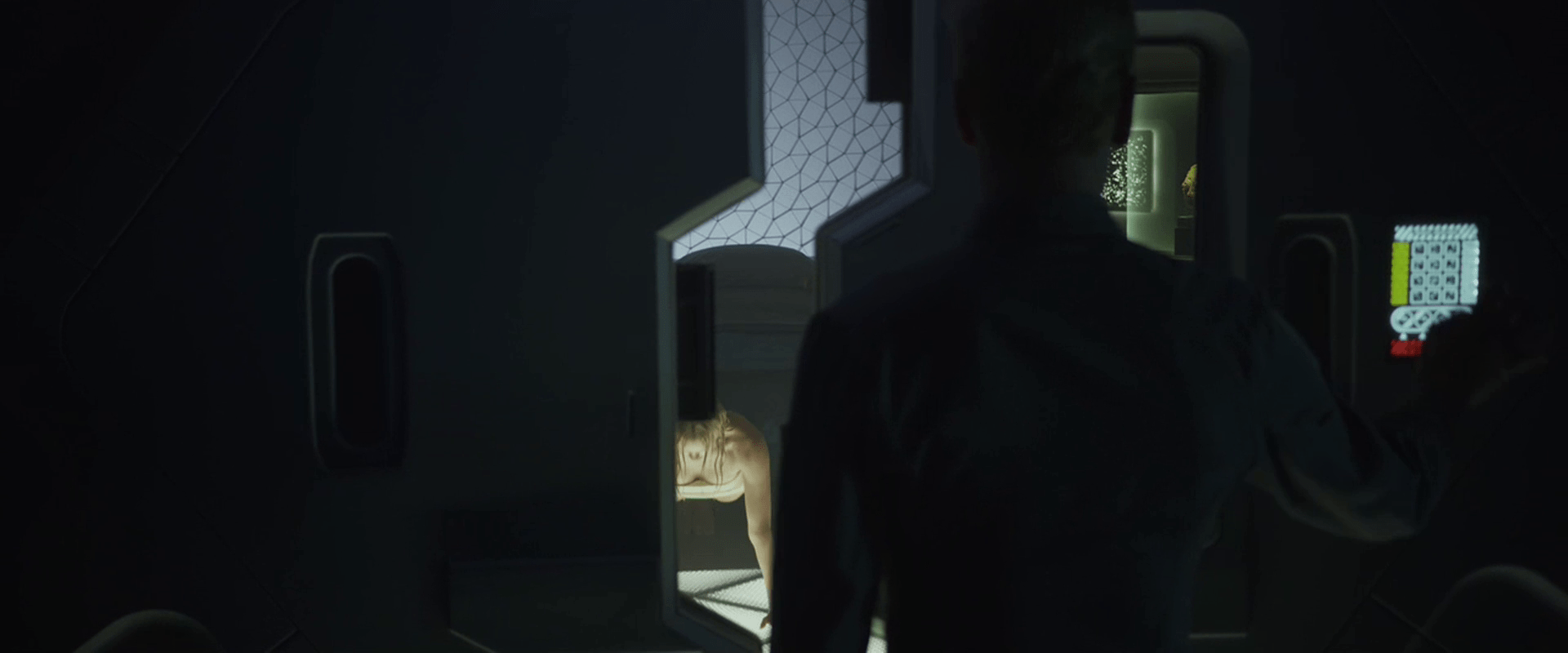
There is another design for the door panel outside of Meredith’s room. This panel has the white safety stripe button, the Braille-ish panel (but with the left column colored yellow), a new yellow panel of triangles, and the red safety stripe button at the bottom.

The door is slightly open when he approaches it, but unpassable. After Meredith commands, “Robe!” he presses the “5” key on the panel and the door opens fully. This panel is on the right side of the door.

Prometheus-036

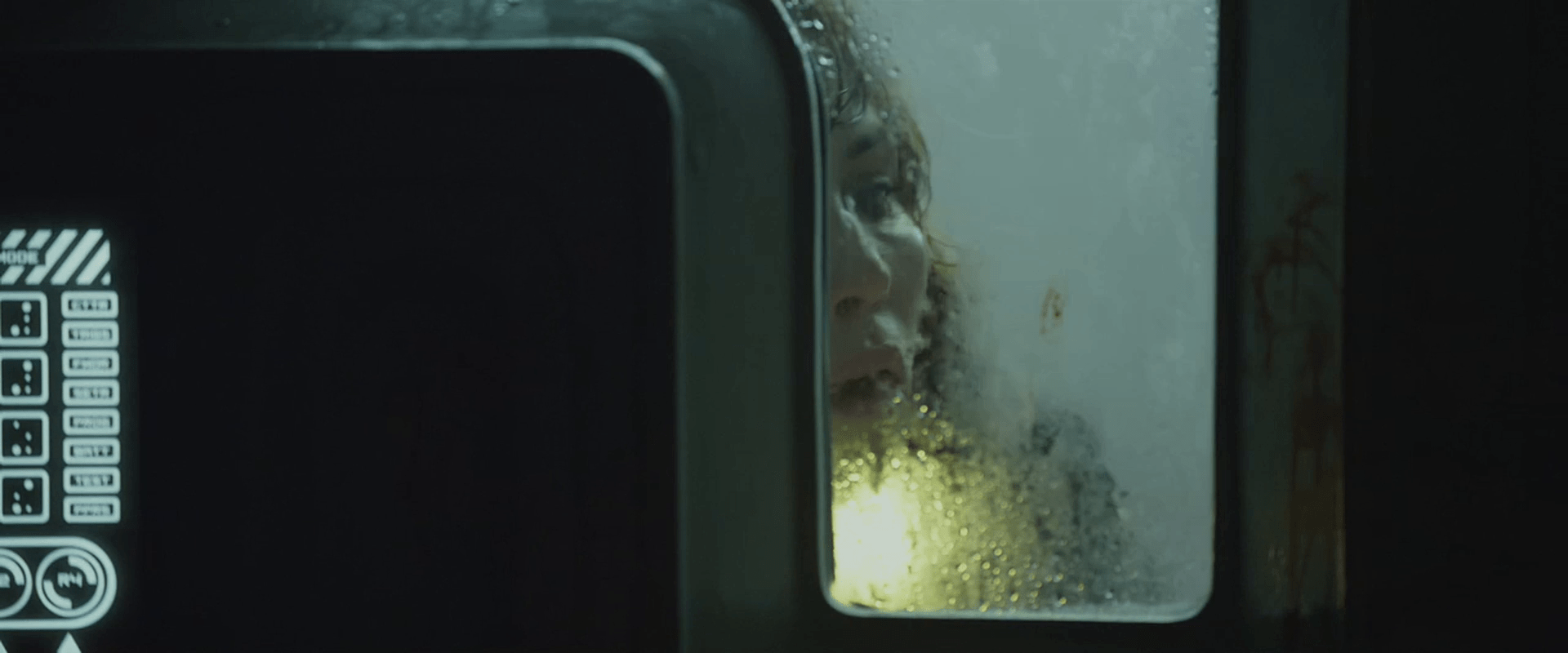
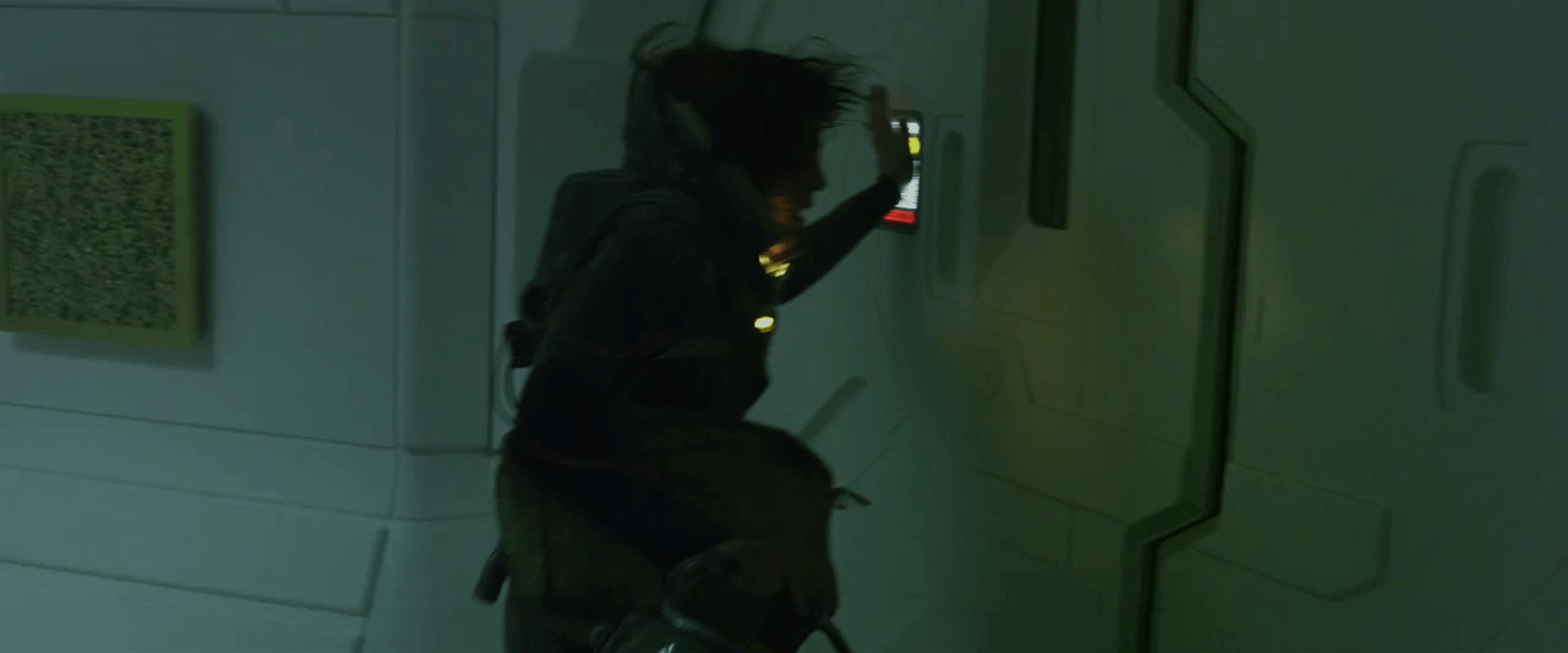
The panel to exit Weyland’s sickbay is on the door just to the left. When Shaw wants to leave the room after her traumatizing alien-abortion, she slams both hands against the panels, sliding her fingers along it and pressing what sounds like five separate buttons.

Prometheus-271

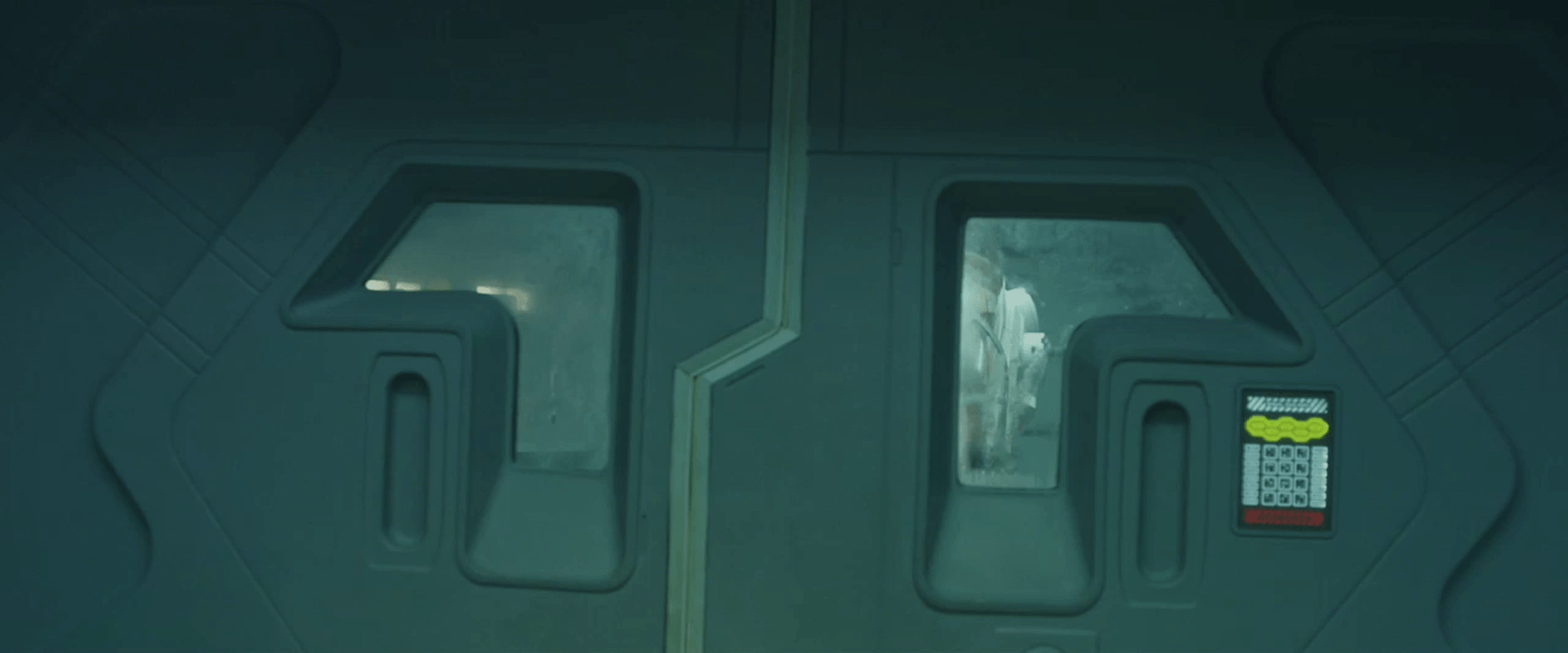
The panel that gives Shaw access back into the escape pod’s sickbay is again different, with many of the same elements from other panels, but a row of five yellow ovals outlined below the safety stripes button at the top.

Prometheus-323b

This is the only time we also see the panel on the far side of the same door. We only see a corner of it, but it does not have ovals on the other side, and some circular elements below the Braille panel. It is probably the same design as on Meredith’s door.

Prometheus-323c

Then when the alien breaks into the escape pod and pins her against this door, we see a close up of a panel, but this one appears identical to the one on the inside of the door, rather than the yellow-oval one we saw moments before. It also appears to be identical to the one on the inside of the door (and outside Meredith’s quarters.) A confusing detail in this panel is that while similar “Braille” cells are differentiated in other panels by a variation in the dots, in this one the the “3” and “6” keys seem to be the exact same character, highlights and all. Since we don’t know the meanings of this character, it could be a “shift” or modifier key which bears repeating, we don’t know. To activate this panel, she slams her left hand downward onto it. This opens the door, freeing the massive xenomorph alien within to grapple the architect alien.

Prometheus-326

And finally, when we see her escaping the hallway where the aliens are locked in combat, she approaches a door with an oval interface, which she opens by slamming the heel of her palm against it with a grunt.

Prometheus-327

Analysis

Passing through doorways is probably one of the most common non-work activities that a crew member can do onboard a spaceship. To have crewmember key in a password every time seems like a pointless waste of everyone’s time. There are so many passive ways to check identity to authorize access that it seems silly to even bother to list them. Why not use any of these alternate technologies?

Add to that that each door panel seems to have a different one of half-dozen different designs, placed randomly on the left or right side of the door, and at least in the escape pod, multiple designs per door at several different heights. What value can there be to this chaos? It would be grossly error prone and frustrating. This level of randomness to the interface even defies the notion of it being a watchclock.

Since David and Shaw each had multiple, different-length passwords for different doors, it might seem that it’s a security measure. But when it can be opened with a punch or a hand bump, is it really security? Giving this aspect of the design the benefit of the doubt, perhaps it has some contextual awareness of Shaw’s heightened stress levels, and responds to the affective command where it might not in normal circumstances. This affective computing apology would be the way you wanted doors to work, but the film gives no evidence that this is what is at play.

Given the apparent randomness of the other panel interfaces, even apology ultimately fails us in making sense of these confusing interfaces.
Destination threshold

As David is walking through a ship’s hallway, a great clanging sounds from deep in the ship, as the colored lights high in the walls change suddenly from a purple to a flashing red, and a slight but urgent beeping begins. He glances at a billiards table in an adjacent room, sees the balls and cue sliding, and understands that it wasn’t just him: gravity has definitely changed.

Prometheus-020

There are questions about what’s going on with the ship that the gravity changed so fast, but our interest must be in the interfaces.

Why did David not expect this? If they’re heading to a planet and the route is known, David should know well in advance. The ship should have told him, especially if the event is going to be one that could potentially topple him. Presuming the ship has sensors to monitor all of this, it should not have come as a surprise.

The warning itself seems mostly well designed, using multiple modes of signal and clear warning signs:

  • Change in color from a soft to intense color (They even look like eyes squinting and concentrating in the thumbnails.)
  • A shift to red, commonly used for warning or crisis
  • Blinking red is a hugely attention-getting visual signal
  • Beeping is a auditory signal that is also a common warning signal, and hard to ignore

After David sees these signals, he walks to wall panel and presses a few offscreen buttons which beep back at him and silence the beeping, replacing it with overhead pulses of light that race up and down the hallway. Over the sound system a male voice announces “Attention. Destination threshold.”

Prometheus-Destination_Threshold

Why should David have to go find out what the crisis is at the wall interface? If he had been unable to get to the wall interface, how would he know what happened? Or if it required split-second action, why require of him to waste his time getting there and pressing buttons? In a crisis, the system should let you know what the crisis is quickly and intrusively if it’s a dire crisis in need of remedy. The audio announcement should have happened automatically.

Racinglights

The overhead lights are almost a nice replacement for beeping. It still says, “alert” without the grating annoyance that audio can sometimes be. (There’s still a soft “click” with each shifting light, just not as bad.) But if he’s able to silence the audio at this wall panel, why wasn’t he able to silence the race lights as well? And why do they “race” up and down the hallway rather than just blink? The racing provides an inappropriate sense of motion. Given that this signal is for when the crew is in an unusual and potentially dangerous situation, it would be better to avoid the unhelpful motion cue by simply blinking, or to use the sense of direction they provide to signal to David where he ought to be. A simple option would be to have the hallway lights race continuously in the direction of the bridge, leading the crew to where they would be most effective. Even better is if the ship has locational awareness of individual crew members, then you can cut all overhead illumination by 20% and pulse a light a few feet away in the desired direction between 80 and 100 percent, while darkening the hallway in the opposite direction. Then, as David walks towards the blinking light, the ship can lead him, even around corners, to get him where he needs to be. In a real crisis, this would be an easy and intuitive way to lead people where they’re need to be. It would of course need simple overrides in case the crew knew something about the situation that the ship did not.

After walking through the racing-light hallways, he turns just past the door and into the bridge, where we can see the legend “DESTINATION THRESHOLD” across the pilots HUD. He turns on a light, licks a finger, and presses another button to activate all of the interfaces on the bridge. He walks to the pilot’s panel, presses a button to open the forward viewscreen, observing LV223 with wide-eyed wonder.

This entire sequence seems strange from an interface perspective. We’re going to presume that licking his fingers was just a character tic and not required by the system. But in addition to the fact, raised above, that David seems somewhat surprised by it all, that he should have to open doors and manually turn on lights and interfaces during a crisis seems pointless. It’s either not a crisis and these signals should diminish, or it is a crisis and more of this technology should be automated.

Alien / Blade Runner crossover

I’m interrupting my review of the Prometheus interfaces for a post to share this piece of movie trivia. A few months ago, a number of blogs were all giddy with excitement by the release of the Prometheus Blu-Ray, because it gave a little hint that the Alien world and the Blade Runner world were one and the same. Hey internets, if you’d paid attention to the interfaces, you’d realize that this was already well established by 1982, or 30 years before.

A bit of interface evidence that Alien and Blade Runner happen in the same universe.

VP language instructor

During David’s two year journey, part of his time is spent “deconstructing dozens of ancient languages to their roots.” We see one scene illustrating a pronunciation part of this study early in the film. As he’s eating, he sees a volumetric display of a cuboid appear high in the air opposite his seat at the table. The cuboid is filled with a cyan glow in which a “talking head” instructor takes up most of the space. In the left is a column of five still images of other artificial intelligent instructors. Each image has two vertical sliders on the left, but the meaning of these sliders is not made clear. In the upper right is an obscure diagram that looks a little like a constellation with some inscrutable text below it.

On the right side of the cuboid projection, we see some other information in a pinks, blues, and cyans. This information appears to be text, bar charts, and line graphs. This information is not immediately usable to the learner, so perhaps it is material about the entire course, for when the lessons are paused: Notes about the progress towards a learning goal, advice for further study, or next steps. Presuming this is a general-purpose interface rather than a custom one made just for David, this information could be the student’s progress notes for an attending human instructor.

We enter the scene with the AI saying, “…Whilst this manner of articulation is attested in Indo-European descendants as a purely paralinguistic form, it is phonemic in the ancestral form dating back five millennia or more. Now let’s attempt Schleicher’s Fable. Repeat after me.”

In the lower part of the image is a waveform of the current phrase being studied. In the lower right is the written text of the phrase being studied, in what looks like a simplified phoenetic alphabet. As the instructor speaks this fable, each word is hilighted in the written form. When he is done, he prompts David to repeat it.

akʷunsəz dadkta,
hwælna nahast
təm ghεrmha
vagam ugεntha,

After David repeats it, the AI instructor smiles, nods, and looks pleased. He praises David’s pronunciation as “Perfect.”

This call and response seems par for modern methods of language learning software, even down to “listening” and providing feedback. Learning and studying a language is ultimately far more complicated than this, but it would be difficult to show much more of it in such a short scene. The main novelty that this interface brings to the notion of language acquisition seems to be the volumetric display and the hint of real-time progress notes.