Eepholes

TheFifthElement-police-027

Please forgive the title. It’s a portmanteau of “e” and “peepholes” that was too goofy to resist and not part of the official Fifth Element canon.

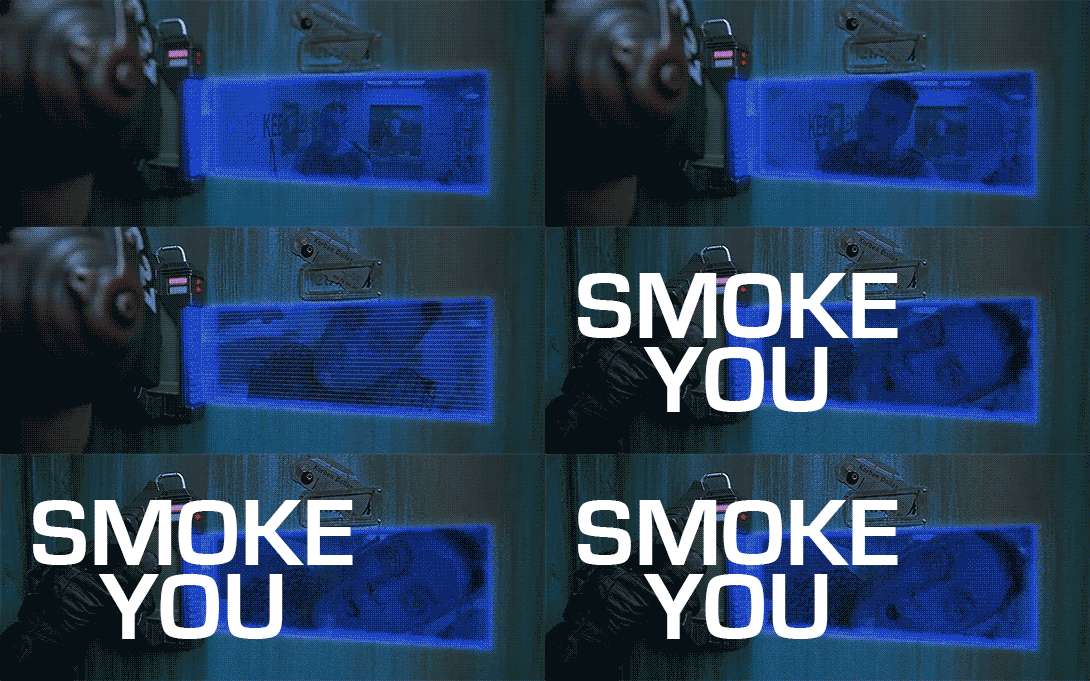
When the police have an apartment in lockdown, they have a special tool to evaluate individual citizens in their apartments. It’s an electronic peephole that allows them to see and communicate with the citizen inside their apartment. To use it, a police officer places a handheld device shaped something like an iron up to the door near eye height. Pressing a button at the thumb switches a status light from green to red and opens an electronic “hole” in the door, through which the officer can see, but out of which the citizen cannot.

TheFifthElement-police-029

While the eephole is activated, the intercom between the yellow circles in which the citizen has placed his or her hands glows orange, letting them know that the call is active. Then the officer can freely interrogate the citizen.

Officer: Sir, are you classified as human?
Korben: Negative. I am a meat popsicle.

Analysis

How the device works is something of a mystery, but we have to take its results at face value. We’re concerned about the interaction, and that works OK. The device has a single handle and flat plate that fits against the door readily. The thumb button is placed so it’s easy to activate while holding it up with one hand. The fact that it’s portable rather than embedded in the door means that it can be taken away by the police after their business is done, rather than leaving it there to be hacked.

If I had to make any improvements, I would hope to make the device stick to the door so the officer could have both hands ready for his weapon should he need it, or feel more free to dodge out of the way. I would also omit any of the many glowing lights that appear extraneous, at least to what we see in this scene. I might also provide some output to the officer that the interaction is under warrant, or maybe even that it’s being being recorded, to remind them not to abuse this breach of privacy. Clearly it causes stress among the citizens subject to it.

smokeyou

Floating-pixel displays

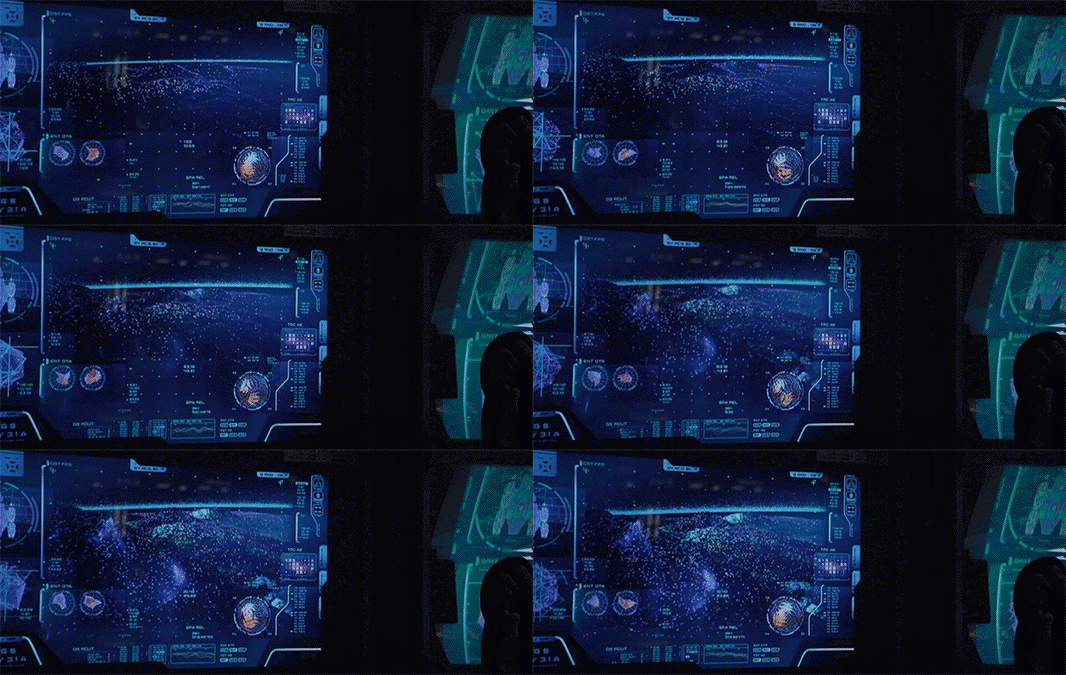
In other posts we compared the human and alien VPs of Prometheus. They were visually distinct from each other, with the alien “glowing pollen” displays being unique to this movie.

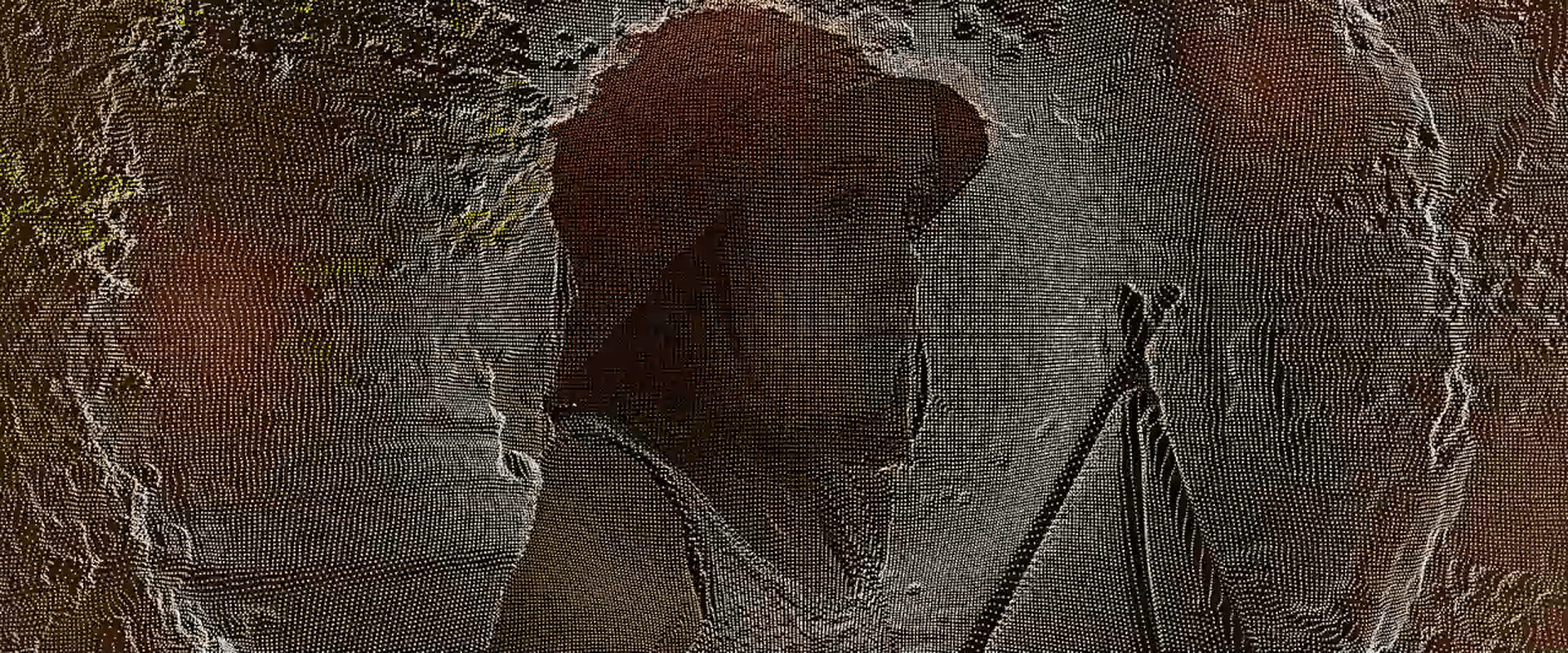
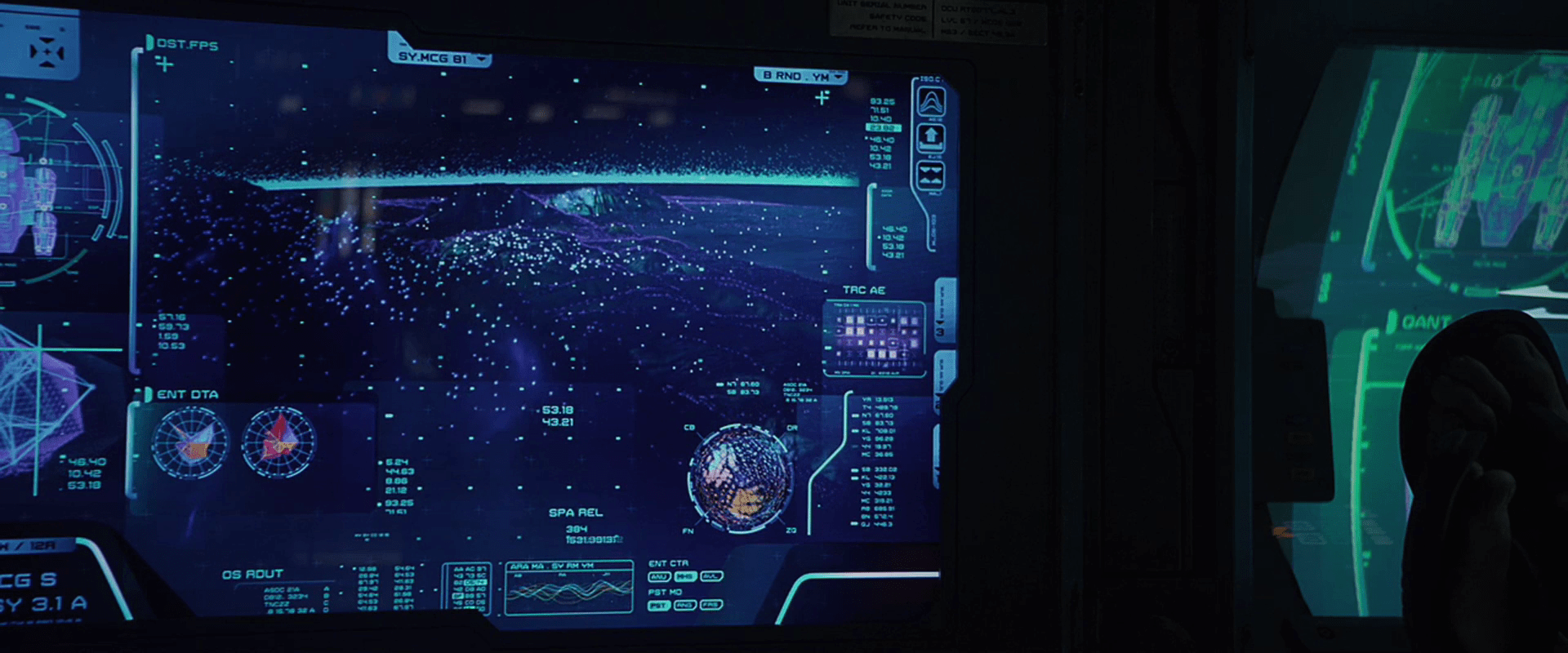
There is a style of human display in Prometheus that looks similar to the pollen. Since the users of these displays don’t perceive these points in 3D, it’s more precise to call it a floating-pixel style. These floating-pixel displays appear in three places.

  • David’s Neurovisor for peering into the dreams of the hypersleeping Shaw. (Note this may be 3D for him.)
  • The landing-sequence topography displays
  • The science lab scanner, used on the alien head
Prometheus-007
Prometheus-096
Prometheus-165

There is no diegetic reason offered in the movie for the appearance of an alien 3D display technology in human 2D systems. When I started to try and explain it, it quickly drifted away from interaction design and into fan theory, so I have left it as an exercise for the reader. But there remains a question about the utility of this style.

Poor cues for understanding 3D

Floating, glowing points are certainly novel to our survey as a way to describe 3D shapes for users. And in the case of the alien pollen, it makes some sense. Seeing these in the world, our binocular vision would help us understand the relationships of each point as well as the gestalt, like walking around a Christmas tree at night.

But in 2D, simple points are not ideal for understanding 3D surfaces. Especially when the pixels are all the same apparent size. We normally use the small bits of scale to help us understand an object’s relative distance from us. Though the shape can be kind-of inferred through motion, it still creates a great deal of visual noise. It also hurts when the points are too far apart. It doesn’t give us a gestalt sense of surface.

I couldn’t find any scientific studies of the readability of this style, this is my personal take on it. But we also can look to the real world, namely to the history of maps, where cartographers have wrestled with similar problems to show topography. Centuries of their trial-and-error have resulted in four primary techniques for describing 3D shapes on a 2D surface: hachures, contour lines, hypsometric tints, and shaded relief.

(images from http://www.siskiyous.edu/shasta/map/map/)

These styles utilize lines, shades, and colors to describe topography, and notably not points. Even modern 3D modeling software uses tessellated wireframes instead of floating points as a lightweight rendering technique. To my knowledge, only geographic information systems display anything similar, and that’s only when the user wants to see actual data points.

These anecdotal bits of evidence combine with my observations of these interfaces in Prometheus to convince me that while it’s stylistically unique (and therefore useful to the filmmakers), it’s seriously suboptimal for real-world adoption.

HYP.SL

The android David tends to the ship and the hypersleping crew during the two-year journey.

The first part of the interface for checking in on the crew is a cyan-blue touch screen labeled “HYP.SL” in the upper left hand corner. The bulk of this screen is taken up with three bands of waveforms. A “pulse” of magnification flows across the moving waveforms from left to right every second or so, but its meaning is unclear. Each waveform appears to show a great deal of data, being two dozen or so similar waveforms overlaid onto a single graph. (Careful observers will note that these bear a striking resemblance to the green plasma-arc alien interface seen later in the film, and so their appearance may have been driven stylistically.)

HYP.SL

To the right of each waveform is a medium-sized number (in Eurostile) indicating the current state of the index. They are color-coded for easy differentiation. In contrast, the lines making up the waveform are undifferentiated, so it’s hard to tell if the graph shows multiple data points plotted to a single graph, or a single datapoint across multiple times. Whatever the case, the more complex graph would make identifying a recent trend more complicated. If it’s useful to summarize the information with a single number on the right, it would be good to show what’s happening to that single number across the length of the graph. Otherwise, you’re pushing that trendspotting off to the user’s short term memory and risking missing opportunities for preventative measures.

Another, small diagram in the lower left is a force-directed, circular edge bundling diagram, but as this and the other controls on the screen are inscrutable, we cannot evaluate their usefulness in context.

After observing the screen for a few seconds, David touches the middle of the screen, a wave of distortion spreads from his finger for a half a second, and we hear a “fuzz” sound. The purpose of the touch is unclear. Since it makes no discernable change in the interface, it could be what I’ve called one free interaction, but this seems unlikely since such cinematic attention was given to it. My only other guess is to register David’s presence there like a guard tour patrol system or watchclock that ensures he’s doing his rounds.

Military navigation

The C-57D is a military vessel with much of its technology feeling like that of a naval vessel.

Lt. Farman navigates the ship towards Altair.

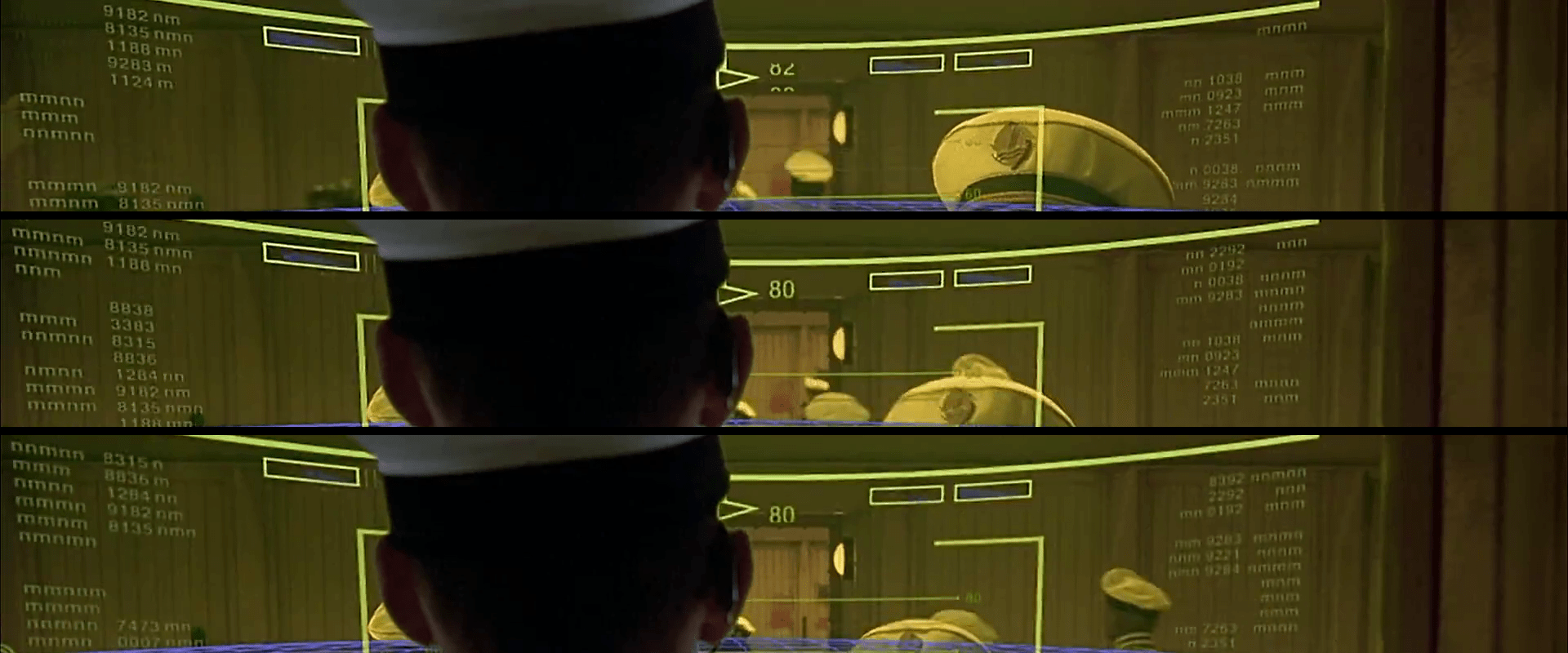
The navigator, called an astrogator, sits at a station on the bridge facing a large armillary. He has a binocular scope into which he can peer to see outside the ship. Within easy reach to the left is a table-top panel of concentrically arranged buttons. To his right is a similar panel. Directly in front of him, beyond the scope, is a massive armillary that is the centerpiece of the bridge.

A model of United Planets Cruiser C-57D sits at the center of the ship’s armillary.

A model of the C-57D sits at the center of a transparent globe, which rotates in turn inside of another transparent globe. The surface of the interior globe is detailed with a graduated ring around its equator, semi-meridians extending from the poles, and a number of other colorful graduations. The outer, stationary globe has markings on the surface, which seem to describe stars and major constellations as dots and lines.

The utility of the armillary is somewhat questionable. From a relatively fixed position like the Earth, the celestial sphere doesn’t change. But while astronavigating, the celestial sphere would change. Even though Altair is a relatively close to Earth, the change in position of the stars on the celestial sphere would likely be significant to correct positioning. So, for this to be useful, the markings on the outer sphere should be dynamic. Of course in the short sequence we see the armillary in use, we would not see the markings change, but there are no visual cues that it is dynamic in this way.

Additionally it should be noted that the biggest and most important things with which Lt. Farman would be concerned, i.e. the star Altair and planet Altair IV, are not represented in the display at all and represents a major failing of the design.

The crew makes it safely through decelleration.

One of the movie’’s technology conceits is that deceleration from light speed is a shaky business. To protect the crew during this phase of travel, they stand atop deceleration stations. These small cylindrical pedestals have matching extensions from the ceiling that look vaguely like circular ventilation grills. Ten seconds before deceleration, the lights dim, a beeper sounds ten times, and the crew members step onto the pedestals. They fade from view in a beam of fuzzy aquamarine light. They fade back into view as the blue light disappears. During the period when the crew has passed from view, one would expect the ship to be shaking violently as discussed, but this doesn’’t happen. Nonetheless, as the crew steps out of the station, a few are holding their necks as if in pain.