Mission Briefing

Once the Prometheus crew has been fully revived from their hypersleep, they gather in a large gymnasium to learn the details of their mission from a prerecorded volumetric projection. To initiate the display, David taps the surface of a small tablet-sized handheld device six times, and looks up. A prerecorded VP of Peter Weyland appears and introduces the scientists Shaw and Holloway.

This display does not appear to be interactive. Weyland does mention and gesture toward Shaw and Holloway in the audience, but they could have easily been in assigned seats.

Cue Rubik’s Space Cube

After his introduction, Holloway places an object on the floor that looks like a silver Rubik’s Cube with a depressed black button in the center-top square.

Prometheus-055

He presses a middle-edge button on the top, and the cube glows and sings a note. Then a glowing-yellow “person” icon appears, glowing, at the place he touched, confirming his identity and that it’s ready to go.

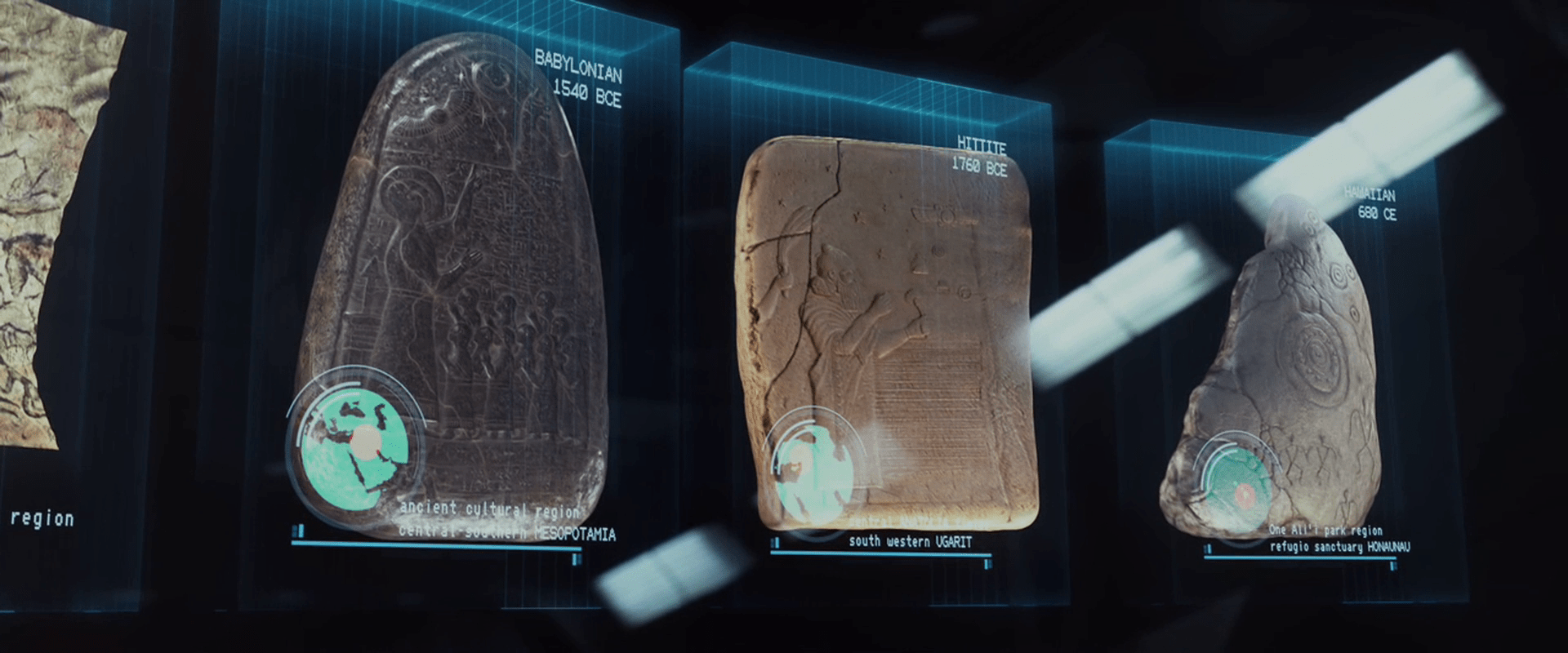
He then presses an adjacent corner button. Another glowing-yellow icon appears underneath his thumb, this one a triangle-within-a-triangle, and a small projection grows from the side. Finally, by pressing the black button, all of the squares on top open by hinged lids, and the portable projection begins. A row of 7 (or 8?) “blue-box” style volumetric projections appear, showing their 3D contents with continuous, slight rotations.

Gestural control of the display

After describing the contents of each of the boxes, he taps the air towards either end of the row (there is a sparkle-sound to confirm the gesture) and he brings his middle fingers together like a prayer position. In response, the boxes slide to a center as a stack.

He then twists his hands in opposite directions, keeping the fingerpads of his middle fingers in contact. As he does this, the stack merges.

Prometheus-070

Then a forefinger tap summons an overlay that highlights a star pattern on the first plate. A middle finger swipe to the left moves the plate and its overlay off to the left. The next plate automatically highlights its star pattern, and he swipes it away. Next, with no apparent interaction, the plate dissolves in a top-down disintegration-wind effect, leaving only the VP spheres that illustrate the star pattern. These grow larger.

Halloway taps the topmost of these spheres, and the VP zooms through intersteller space to reveal an indistinct celestial sphere. He then taps the air again (nothing in particular is beneath his finger) and the display zooms to a star. Another tap zooms to a VP of LV-223.

Prometheus_VP-0030

Prometheus_VP-0031

After a beat of about 9 seconds, the presentation ends, and the VP of LV-223 collapses back into its floor cube.

Evaluating the gestures

In Chapter 5 of Make It So we list the seven pidgin gestures that Hollywood has evolved. The gestures seen in the Mission Briefing confirm two of these: Push to Move and Point to Select, but otherwise they seem idiosyncratic, not matching other gestures seen in the survey.

That said, the gestures seem sensible. On tapping the “bookends” of the blue boxes, Holloway’s finger pads come to represent the extents of the selection, so bringing them together is a reasonable gesture to indicate stacking. The twist gesture seems to lock the boxes in place, to break the connection between them and his fingertips. This twist gesture turns his hand like a key in a lock, so has a physical analogue.

It’s confusing that a tap would perform four different actions (highlight star patterns in the blue boxes, zoom to the celestial sphere, zoom to star, zoom to LV-223) but there is no indication that this is a platform for manipulating VPs as much as it is a presentation software. With this in mind he could arbitrarily assign any gesture to simply “advance the slide.”
Alien VPs

In the volumetric projection chapter of Make It So, we note that sci-fi makers take pains to distinguish the virtual from the real most often with a set of visual treatments derived from the “Pepper’s Ghost” parlor trick, augmented with additional technology cues: translucency, a blue tint, glowing whites, supersaturated colors for wireframed objects, clear pixels and/or flicker, with optional projection rays.

Prometheus has four types of VPs that adhere to this style in varying degrees. Individual displays (with their interactions) are discussed in other posts. This collection of posts compares their styles. This particular post describes the alien VPs.

Prometheus-223

The two alien VPs are quite different from the human VPs in appearance and behavior. The first thing to note is that they adhere to the Pepper’s Ghost style more readily, with glowing blue-tinted whites and transparency. Beyond that they differ in precision and implied technology.

Precision VPs

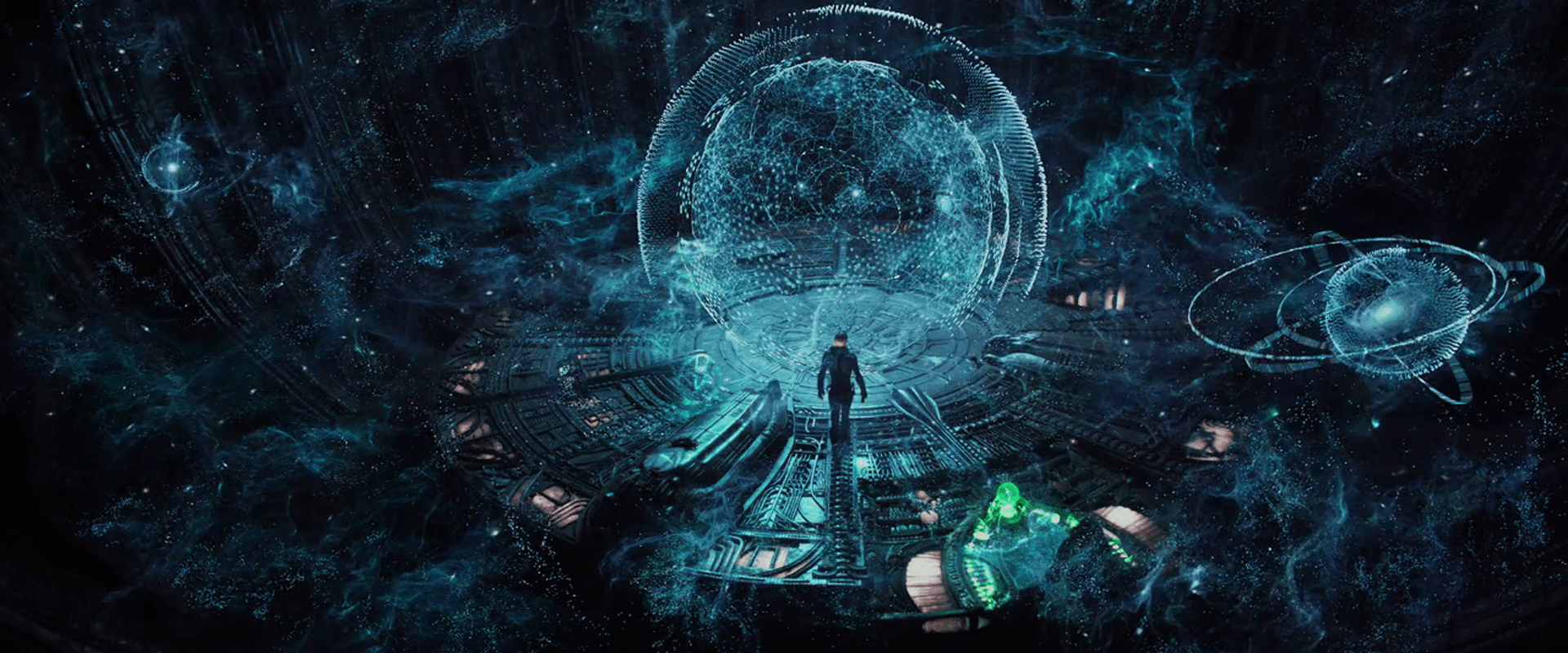
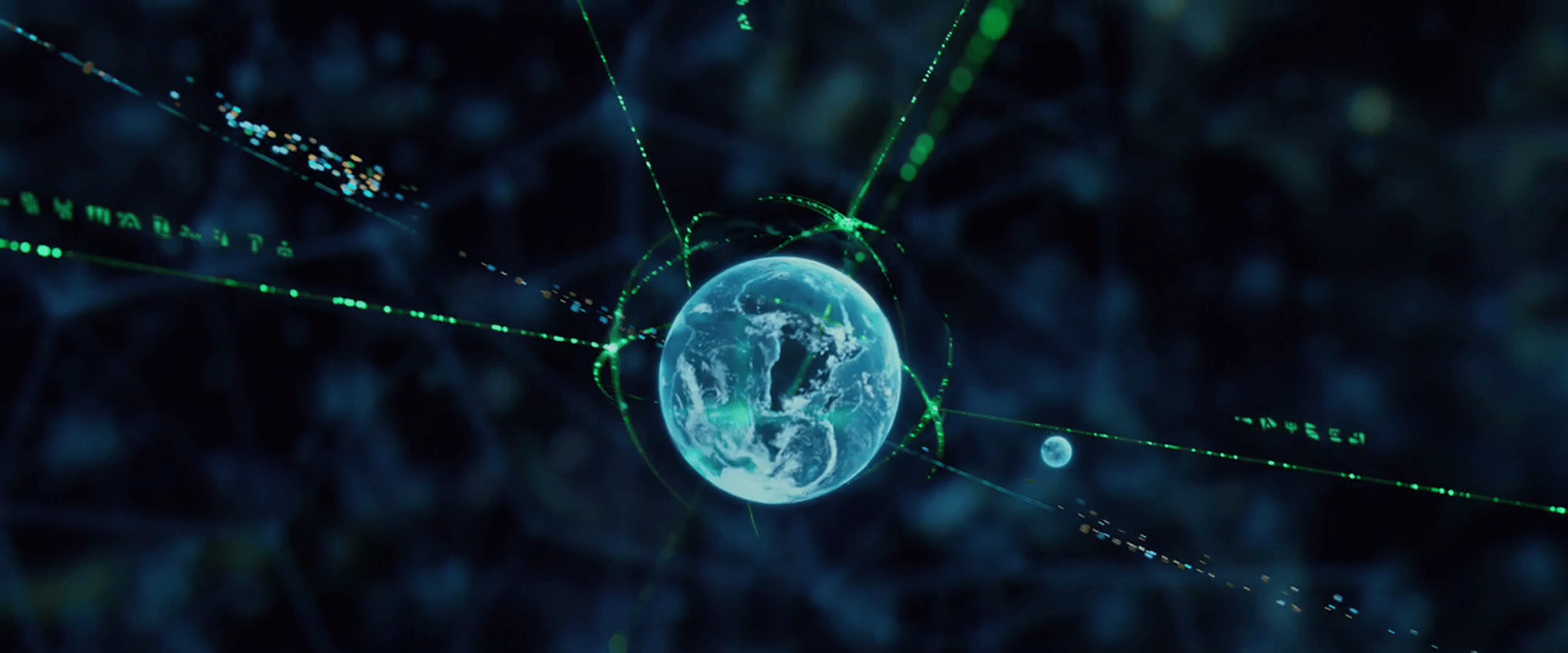
The first style of alien VP appears in the bridge of the alien vessel, where projection technology can be built into the architecture. The resolution is quite precise. When the grapefruit-sized Earth gets close to the camera in one scene, it appears to have infinite resolution, even though this is some teeny tiny percentage of the whole display.

Prometheus-228

Glowing Pollen

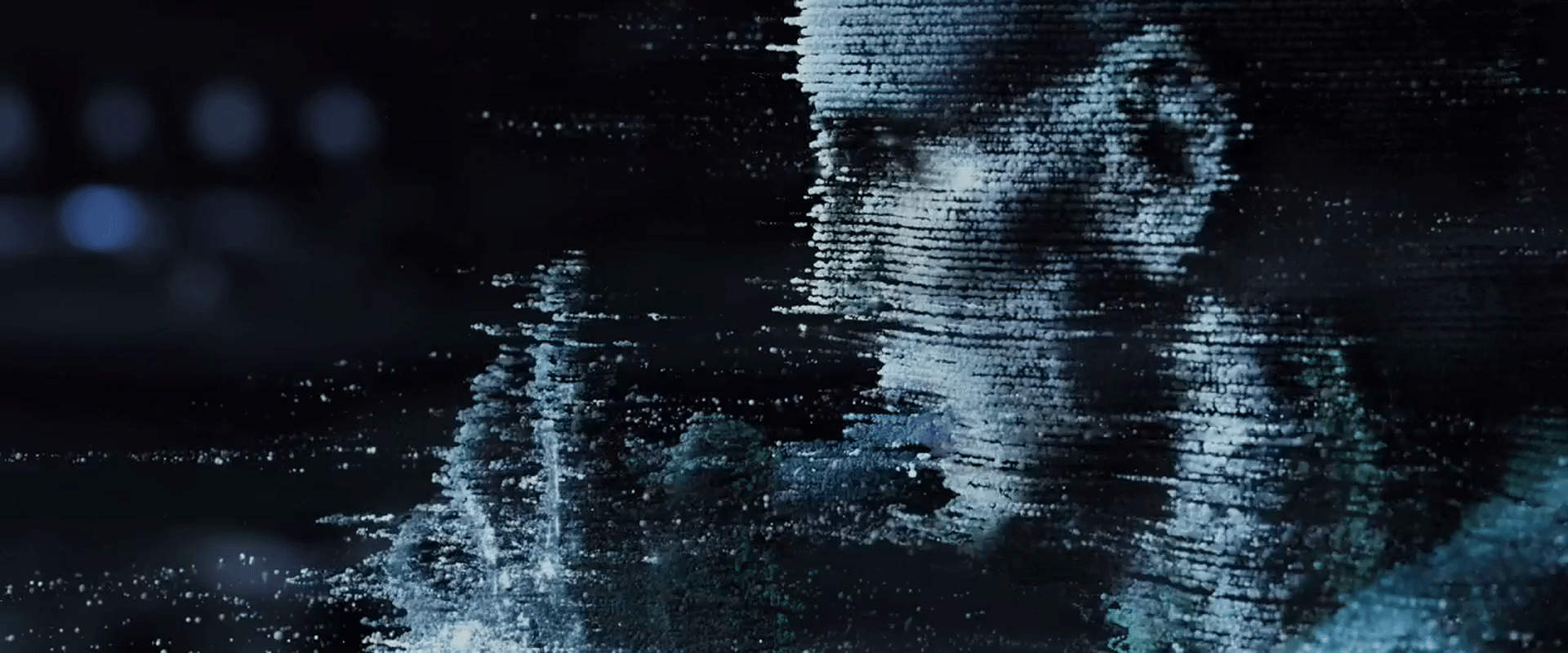
The other alien VP tech is made up of small, blue-white voxels that float, move in space, obey some laws of physics, and provide a crude level of resolution. These appear in the caves of the alien complex where display tech is not present in the walls, and again as “security footage” in the bridge of the alien ship. Because the voxels obey some laws of physics, it’s easier to think of them as glowing bits of pollen.

Prometheus-211 Prometheus-140

Pollen behavior

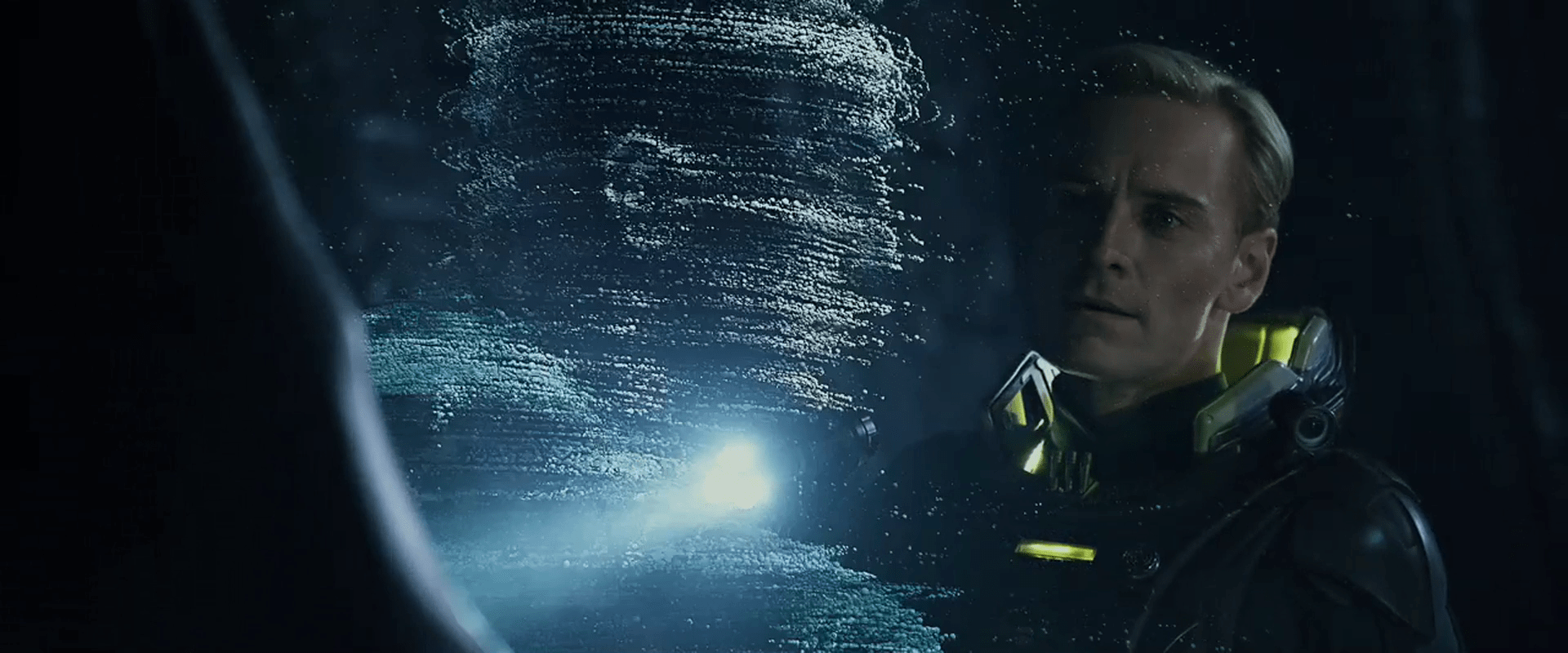
These voxels appear to not be projections of light in space, but actual motes that float through the air. When David activates the “security footage” in the alien complex, a wave of this pollen appears and flows past him. It does not pass through him, but collides with him, each collided mote taking a moment to move around him and regain its roughly-correct position in the display. (How it avoids getting in his mouth is another question entirely.) The motes even produce a gust of wind that disturb David’s bleached coif.

Pollen inaccuracy

The individual lines of pollen follow smooth arcs through the air, but lines appear to be slightly off from one another.

Prometheus-215

This style is beautiful and unique, and conveys a 3D display technology that can move to places even where there’s not a projector in line of sight. The sci-fi makers of this speculative technology use this inaccuracy to distinguish it from other displays. But if a precise understanding of the shapes being described is useful to its viewers, of course it would be better if the voxels were more precisely positioned in space. That’s a minor critique. The main critique of this display is when it gets fed back into the human displays as an arbitrary style, as I’ll discuss in the next post about the human-tech, floating-pixel displays.

Human VPs

In the volumetric projection chapter of Make It So, we note that sci-fi makers take pains to distinguish the virtual from the real most often with a set of visual treatments derived from the “Pepper’s Ghost” parlor trick, augmented with additional technology cues: translucency, a blue tint, glowing whites, supersaturated colors for wireframed objects, clear pixels and/or flicker, with optional projection rays.

Prometheus has four types of VPs that adhere to this style in varying degrees. Individual displays (with their interactions) are discussed in other posts. This collection of posts compares their styles. This particular post describes the human VPs.

Prometheus-064

Blue-box displays

One type of human-technology VPs are the blue-box displays:

  • David’s language program
  • Halloway and Shaw’s mission briefing
  • The display in Shaw’s quarters

These adhere more closely to the Pepper’s Ghost style, being contained in a translucent blue cuboid with saturated surface graphics and a grid pattern on the sides.

Weyland-Yutani VP

The other type of human displays are the Weyland-Yutani VPs. These have translucency and supersaturated wireframes, but they do not have any of the other conventional Pepper’s Ghost cues. Instead they add two new visual cues to signal to the audience their virtualness: scaffolded transitions and edge embers.

When a Weyland-Yutani VP is turned on, it does not simply blink into view. It builds. First, shapes are described in space as a tessellated surface, made of yellow-green lines describing large triangles that roughly describe the forthcoming object or its extents. These triangles have a faint smoky-yellow pattern on their surface. Some of the lines have yellow clouds and bright red segments along their lengths. Additionally, a few new triangles extend to a point space where another piece of the projection is about to appear. Then the triangles disappear, replaced with a fully refined image of the 3D object. The refined image may flicker once or twice before settling into persistence. The whole scaffolding effect is staggered across time, providing an additional sense of flicker to the transition.

Prometheus-010

Motion in resolved parts of the VP begins immediately, even as other aspects of the VP are still transitioning on.

When a VP is turned off, this scaffolding happens in reverse, as elements decay into tessellated yellow wireframes before flickering out of existence.

Edge embers

A line of glowing, flickering, sliding, yellow-green points illustrates the extents of the VP area, where a continuous surface like flooring is clipped at the limits of the display. These continue across the duration of the playback.

A growing confidence in audiences

This slightly different strategy to distinguishing VPs from the real world indicates the filmmaker’s confidence that audiences are growing familiar enough with this trope that fewer cues are needed during the display. In this case the translucency and subtle edge embers are the only persistent cues, pushing the major signals of the scaffolding and surface flicker to the transitions.

If this trend continues and sci-fi makers become overconfident, it may confuse some audiences, but at the same time give the designers of the first real-world VPs more freedom with their appearance. They wouldn’t have to look like Star Wars’.

Something new: Projected Reflectance

One interesting detail is that when we see Vickers standing in the projection of Weyland’s office, she casts a slight reflection in the volumetric surface. It implies a technology capable of projecting not just luminance, but reflectivity as well. The ability to project volumetric mirrors hasn’t appeared before in the survey.

Prometheus_VP-0012

Lesson: Transition by importance

Another interesting detail is that when the introduction to the Mission briefing ends, the environment flickers out first, then the 2D background, then Weyland’s dog, then finally Weyland.

This order isn’t by position, brightness, motion, or even surface area (the dog confounds that.) It is by narrative importance: Foreground, background, tertiary character, primary character. The fact that the surrounding elements fade first keep your eyes glued onto the last motion (kind of like watching the last bit of sun at a sunset), which in this order is the most important thing in the feed, i.e. the human in view. If a staggered-element fade-out becomes a norm in the real world for video conferencing (or eventually VP conferencing), this cinematic order is worth remembering.

Bridge VP: Mapping

The main interface on the bridge is the volumetric projection display. This device takes up the center of the bridge and is the size of a long billiards table. It serves multiple purposes for the crew. Its later use is to display the real-time map of the alien complex.

Map of the alien complex

The redshirt geologist named Chance in the landing party uses some nifty tools to initiate mapping of the alien complex. The information is sent from these floating sensors back to the ship, which displays the results in real time.

The display of this information is rich with a saturated-color, color-coded, edge-opacity style, leaving outer surfaces rendered in a gossamer cyan, and internal features rendered in an edge-lit green wireframe. In the area above the VP surface, other arbitrary rectangles of data can be summoned for particular tasks, including in-air volumetric keyboards. The flat base of the bridge VP is mirrored, which given the complex 3D nature of the information, causes a bit of visual confusion. (Am I seeing two diamonds reflected or four on two levels?)

Later in the film, Janek tells Ravel to modify the display; specifically, to “strip away the dome” and “isolate that area, bring it up.” He is even to enlarge and rotate the alien spaceship when they find it. Ravel does these modifications this through a touch screen panel at his station, though he routes the results to the “table.” We don’t see the controls in use so can’t evaluate them. But being able to modify displays are one of the ways that people look for patterns and make sense of such information.

A major question about this interface is why this information is not routed back to the people who can use it the most, i.e. the landing party. Chance has to speak to Janek over their intercom and figure out his cardinal directions in one scene. I know they’re redshirts, but they’re already wearing high tech spacesuits. And in the image below we see that this diegesis has handheld volumetric projections. They couldn’t integrate one of those to a sleeve to help life-critical wayfinding?

Bridge VP: Hello

The main interface on the bridge is the volumetric projection display. This device takes up the center of the bridge and is the size of a long billiards table. It serves multiple purposes for the crew. The first is to display the “Golden Record” message.

Hello, Deadly World

Prometheus broadcasts a message to LV223 in advance of its arrival that appears to be something like the Voyager Golden Record recording. David checks on this message frequently in transit to see if there is a response. To do so he stands in a semi-circular recess and turns a knob on the waist-high control panel there counter clockwise. It’s reasonable that the potentiometer controls the volume of the display, though we don’t see this explicitly.

The computer responds to being turned on by voice, wishing him “good morning” by name, confirming that it is still transmitting the message (reinforced by a Big Label in the content itself), and informing David that there has been “NO RESPONSE LOGGED.”

The content of the display is lovely. Lines of glowing yellow scaffolding define a cube, roughly a meter on a side. Within is a cacophony of anthropological, encyclopedic information as video and images, including…

  • Masterworks of art such as Da Vinci’s Vitruvian Man, and Lisa Gherardini, wife of Francesco del Giocondo (better known as the Mona Lisa).
  • Portrait of Abraham Lincoln
  • Chemical structures (I could not identify the exact chemicals)
  • Portrait of a young Beethoven
  • The periodic table of elements
  • Mathematical equations
  • A language frequency chart
  • The language-learning A.I. seen elsewhere in the film
  • Musical notation
  • Sonograms of fetuses in utero
  • Video of tribal makeup
  • Video of Noh theater in Japan
  • Video of a young prodigy playing violin in a field

These squares of translucent information are dispersed within the cube semi-randomly. Some display on a sagittal plane. Some on a coronal plane. (None on a transverse plane.) Though to an observer they are greatly overlapped, they do not seem to intersect. Some of these squares remain in place but most slide around along a y- or x-axis, a few even changing direction, in semi-random paths. Two are seen to rotate around their y-axis, and the periodic table is seen to divide into layered columns.

This display quickly imparts to the audience that the broadcast message is complex and rich, telling the vicious, vicious aliens all they need to know about humans prior to their potential contact. But looking at it from a real-world perspective, the shifting information only provides a sense of the things described, which could really work only if you already happened to have existing knowledge of the fundamentals, which the unknown aliens certainly do not have. A better way to build up a sense of understanding was seen in the movie Contact, where one begins with simple abstract concepts that build on one another to eventually form a coherent communication.

In contrast, this display is one of ADHD-like distraction and “sense” rather than one of communication and understanding. But there’s a clue that this isn’t meant to be the actual content at all. Looking closely at the VP, we see that that the language-learning module David uses is present. Look in the image below for the cyan rectangle in the left of the big yellow cube.

Since we know from seeing David use it elsewhere in the film that that module is interactive, and this VP display does not appear to be, we can infer that this is not the actual content being broadcast. This is more like cover art for an album, meant only to give a sense of the actual content to the humans on the “sender” side of the message. In this simple example of apologetics, we see that the complexity that worked for audiences would work equally well for users.

Later in the film we see David turn the display off. Though his hand is offscreen, the click we hear and his shoulder movement seem to indicate that uses the same knob with which he turned it on. After he does so, the display decays in layers common to the movie’s “yellow scaffold” VPs, as a hum slows to a halt.