Visualization
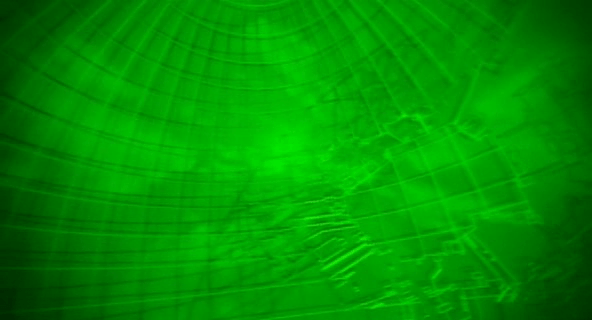
The film opens as a camera moves through an abstract, screen-green 3D projection of a cityscape. A police dispatch voice says,
“To all patrolling air units. A 208 is in progress in the C-13 district of Newport City. The airspace over this area will be closed. Repeat:…”
The camera floats to focus on two white triangles, which become two numbers, 267 and 268. The thuck-thuck sounds of a helicopter rotor appear in the background. The camera continues to drop below the numbers, but turns and points back up at them. When the view abruptly shifts to the real world, we see that 267 and 268 represent two police helicopters on patrol.


Color
The roads on the map of the city are a slightly yellower green, and the buildings are a brighter and more saturated green. Having all of the colors on the display be so similar certainly sets a mood for the visualization, but it doesn’t do a lot for its readability. Working with broader color harmonies would help a reader distinguish the elements and scan for particular things.

Perspective
The perspective of the projection is quite exaggerated. This serves partly as a modal cue to let the audience know that it’s not looking at some sort of emerald city, but also hinders readability. The buildings are tall enough to obscure information behind them, and the extreme perspective makes it hard to understand their comparative heights or their relation to the helicopters, which is the erstwhile point of the screen.

There are two ways to access and control this display. The first is direct brain access. The second is by a screen and keyboard.
Brain Access
Kusanagi and other cyborgs can jack in to the network and access this display. The jacks are in the back of their neck and as with most brain interfaces, there is no indication about what they’re doing with their thoughts to control the display. She also uses this jack interface to take control of the intercept van and drive it to the destination indicated on the map.
During this sequence the visual display is slightly different, removing any 3D information so that the route can be unobscured. This makes sense for wayfinding tasks, though 3D might help with a first-person navigation tasks.


Screen and keyboard access
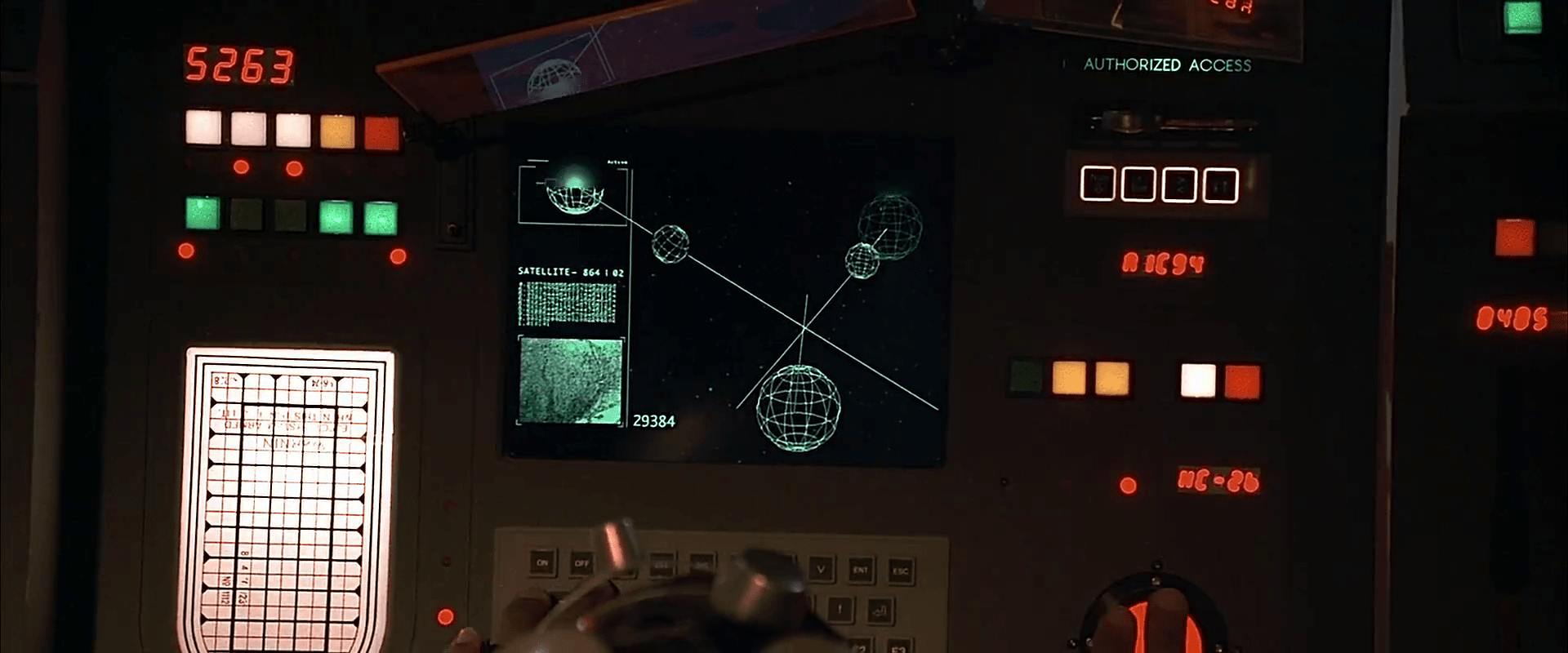
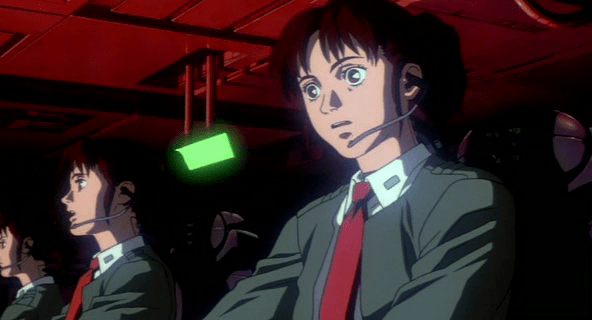
While Kusanagi is piloting an intercept van, she is in contact with a Section 9 control center. Though the 3D visualization might have been disregarded up to this point as a film conceit, here see that it is the actual visualization seen by people in the diegesis. The information workers at Section 9 Control communicate with agents in the field through headsets, type onto specialized keyboards, and watch a screen that displays the visualization.


Their use is again a different mode of the visualization. The information workers are using it to locate the garbage truck. The first screens they see show a large globe with a white graticule and an overlay reading “Global Positioning System Ver 3.27sp.” Dots of different sizes are positioned around the globe. Triangles then appear along with an overlay listing latitude, longitude, and altitude. Three other options appear in the lower-right, “Hunting, Navigation, and Auto.” The “Hunting” option is highlighted with a translucent kelley green rectangle.


After a few seconds the system switches to focus on the large yellow triangle as it moves along screen-green roads. Important features of the road, like “Gate 13” are labeled in a white, rare serif font, floating above the road, in 3D but mostly facing the user, casting a shadow on the road below. The projected path of the truck is drawn in a pea green. A kelley green rectangle bears the legend “Game 121 mile/h / Hunter->00:05:22 ->Game.” The speed indicator changes over time, and the time indicator counts down. As the intercept van approaches the garbage truck, the screen displays an all-caps label in the lower-left corner reading, somewhat cryptically, “FULL COURSE CAUTION !!!”
The most usable mode
Despite the unfamiliar language and unclear labeling, this “Hunter” mode looks to be the most functional. The color is better, replacing the green background with a black one to create a clearer foreground and background for better focus. No 3D buildings are shown, and the camera angle is similar to a real-time-strategy angle of around 30 degrees from the ground, with a mild perspective that hints at the 3D but doesn’t distort. Otherwise the 3D information of the roads’ relationship to other roads is shown with shape and shadow. No 3D buildings are shown, letting the user keep her focus on the target and the path of intercept.