Certain doors within Prometheus require the user open them by providing input to a glowing keypad on the door. Reviewing these door panels in detail shows a great deal of variation in their design and interaction.
Descriptions
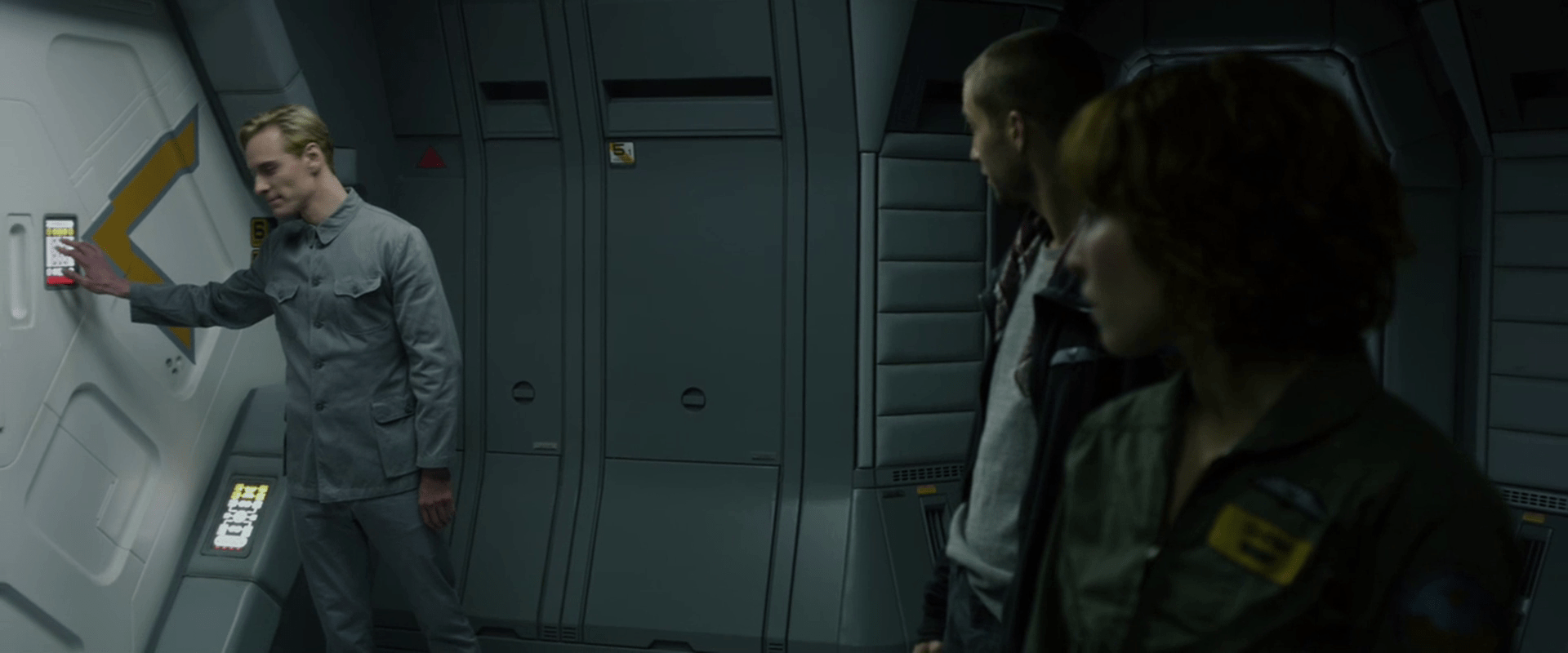
The first one we see has the panel to the left within arm’s reach of the door’s central seam. To open this door, David touches a black square on the interface, though its details are difficult to see. We do hear a beeping to confirm the touch before the door whooshes open.

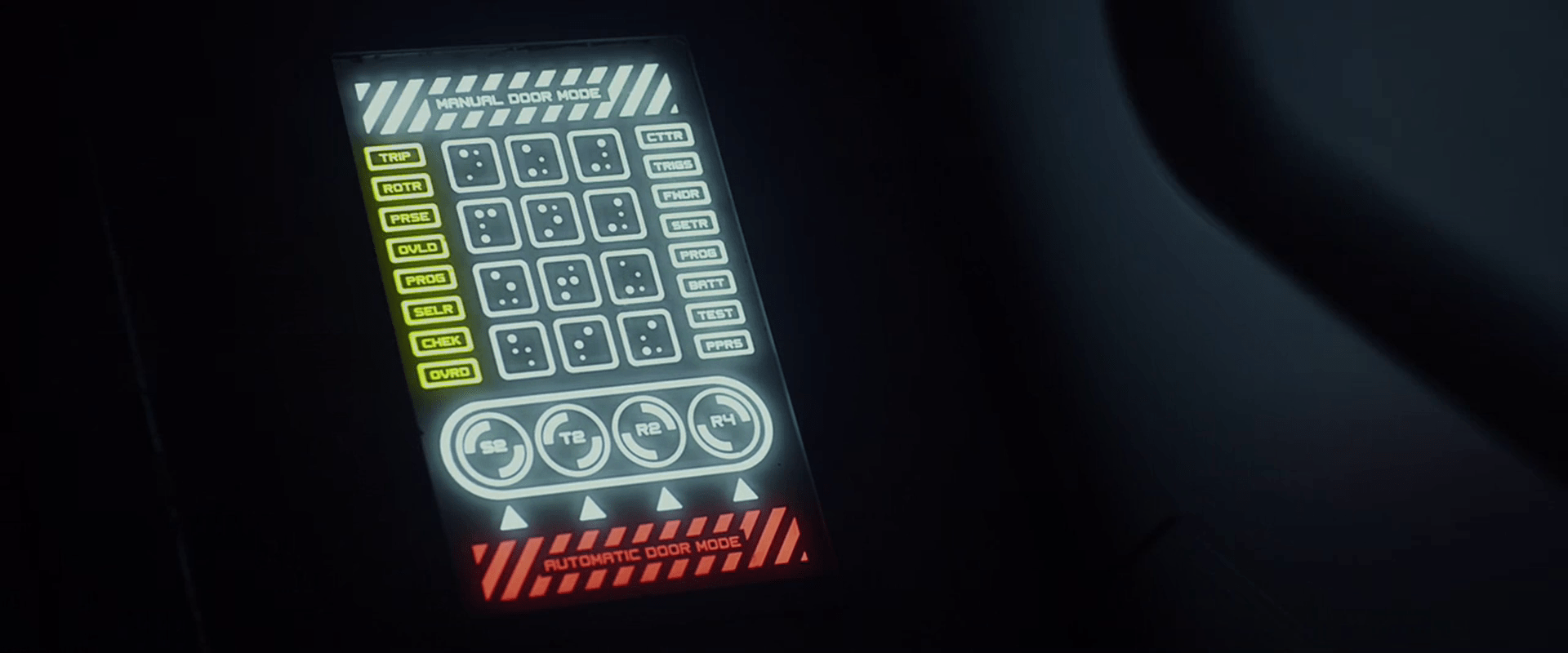
We get a clearer view of the panel that lets him into a hallway. This door is just around a meter wide, and the panel is on the left near the frame at chest level. This vertical panel has white safety stripes at the top, with a yellow row of buttons below that. The middle of the panel has two columns on the left and right edges stacked with buttons, and a 4×3 grid of buttons, labeled with characters that look something like Braille, but that don’t translate readily from English Braille, and with some of the dots in the cells larger or brighter than others. Below that grid of buttons is a white duplication of the yellow buttons above. At the bottom is a red duplication of the safety stripes button at the top.
To gain access to the hallway (where the destination threshold event occurs), David presses two keys at once—what would be the 2 and 4 keys on a telephone keypad—and the door slides open.
Later he touches the same chord of keys to open a door for Shaw and Holloway.

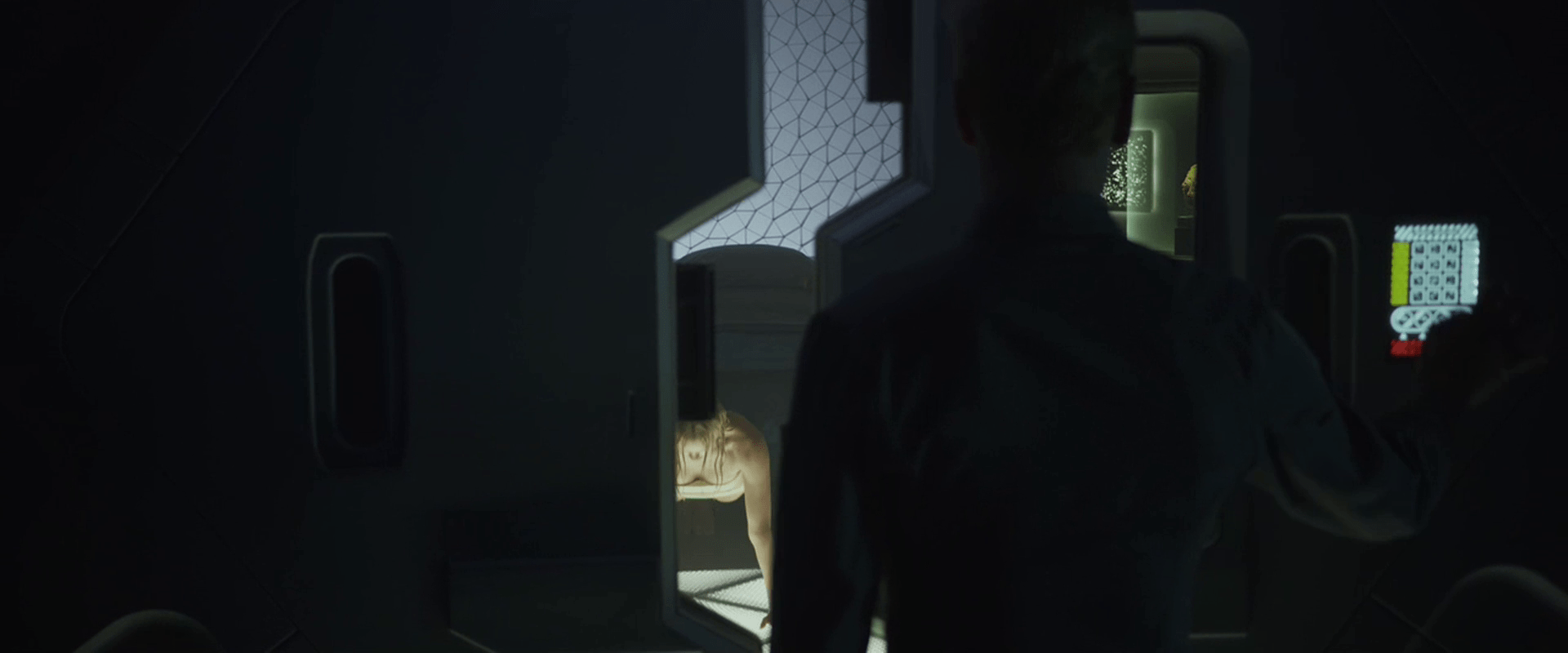
There is another design for the door panel outside of Meredith’s room. This panel has the white safety stripe button, the Braille-ish panel (but with the left column colored yellow), a new yellow panel of triangles, and the red safety stripe button at the bottom.
The door is slightly open when he approaches it, but unpassable. After Meredith commands, “Robe!” he presses the “5” key on the panel and the door opens fully. This panel is on the right side of the door.

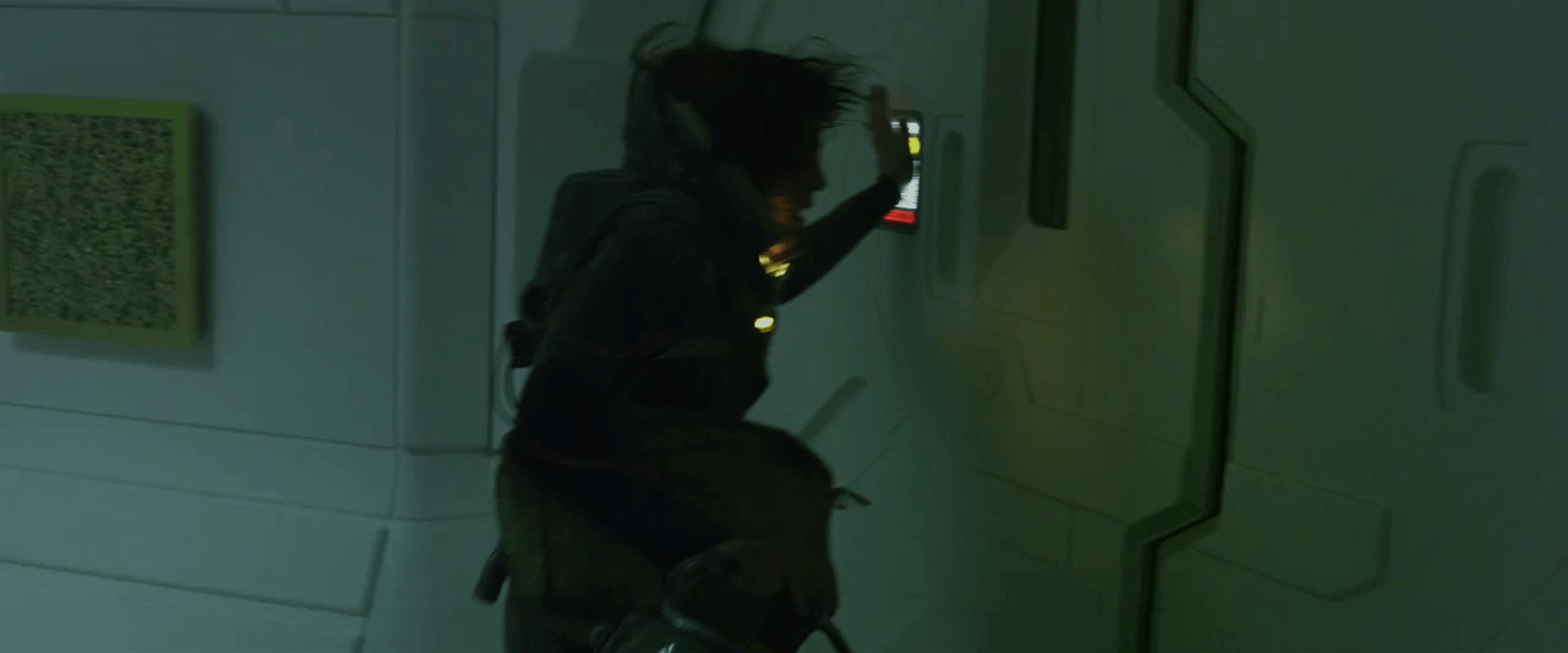
The panel to exit Weyland’s sickbay is on the door just to the left. When Shaw wants to leave the room after her traumatizing alien-abortion, she slams both hands against the panels, sliding her fingers along it and pressing what sounds like five separate buttons.

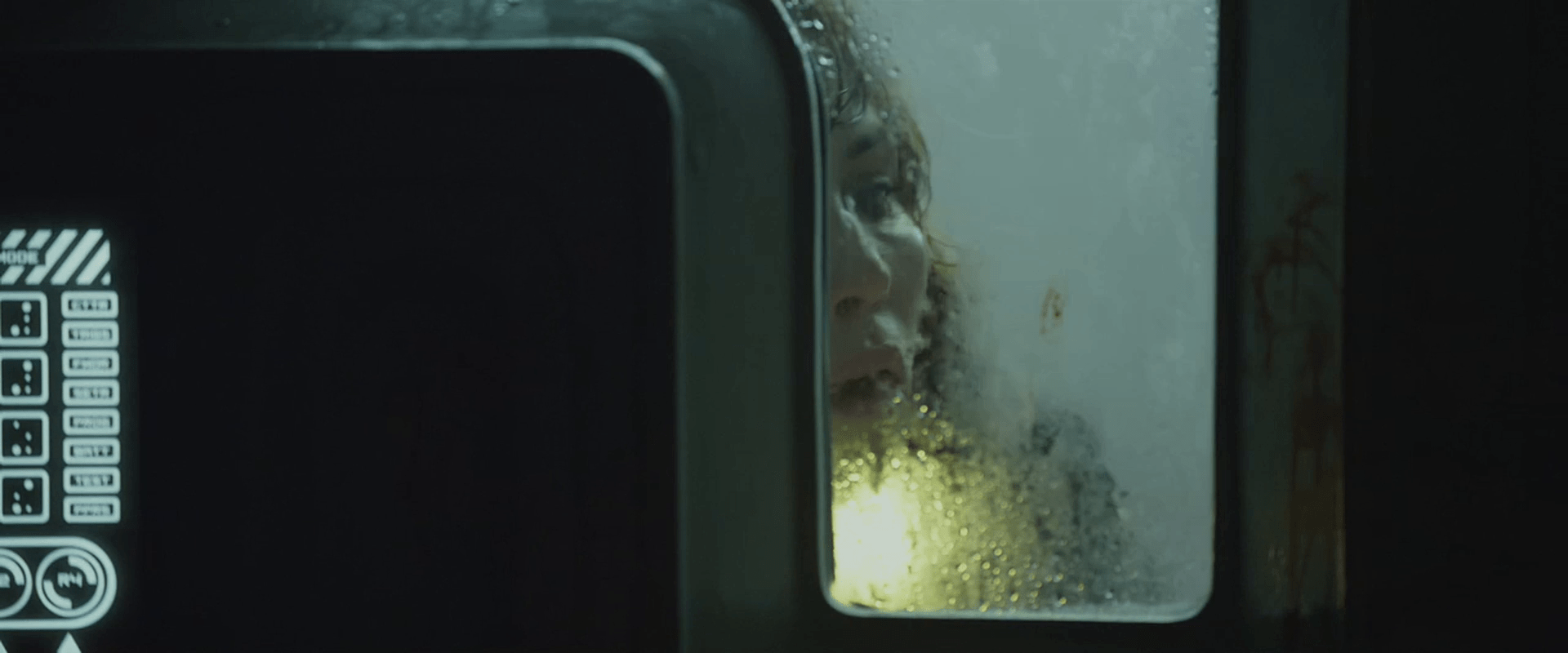
The panel that gives Shaw access back into the escape pod’s sickbay is again different, with many of the same elements from other panels, but a row of five yellow ovals outlined below the safety stripes button at the top.

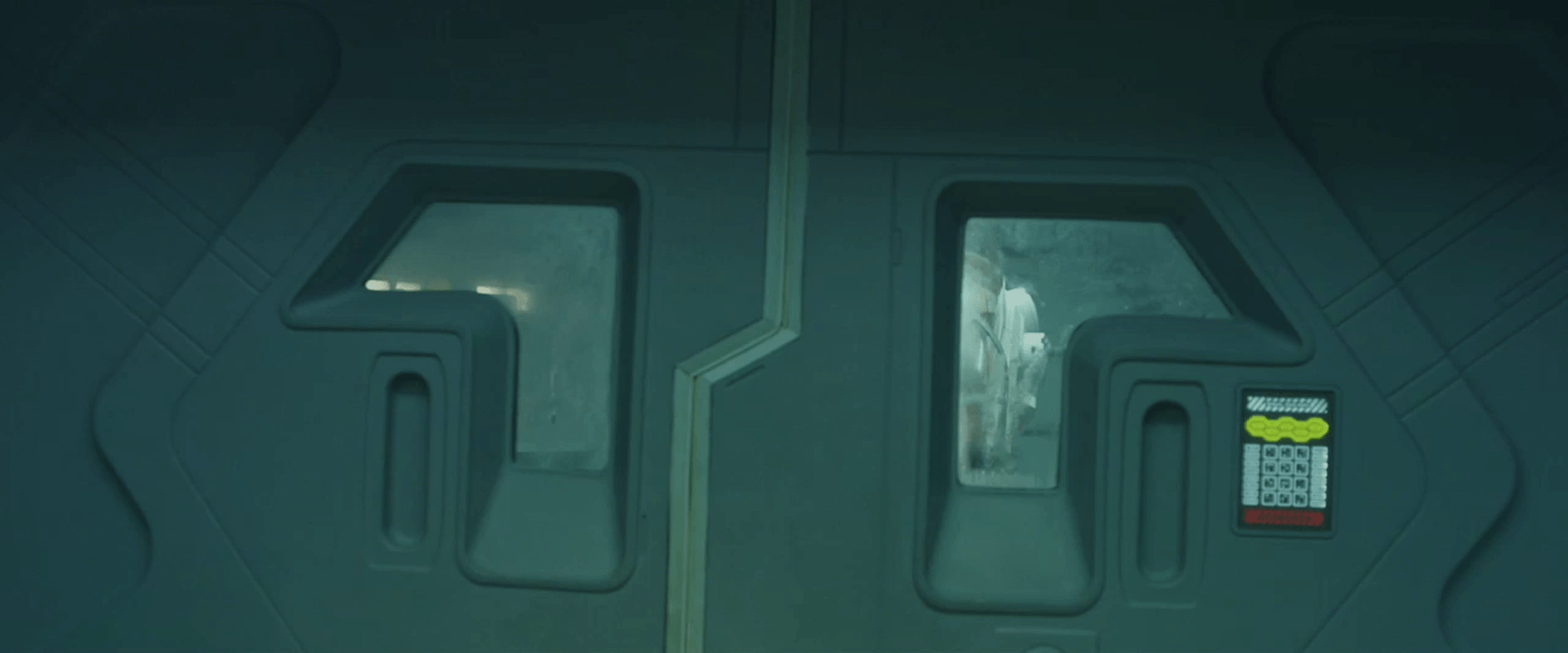
This is the only time we also see the panel on the far side of the same door. We only see a corner of it, but it does not have ovals on the other side, and some circular elements below the Braille panel. It is probably the same design as on Meredith’s door.

Then when the alien breaks into the escape pod and pins her against this door, we see a close up of a panel, but this one appears identical to the one on the inside of the door, rather than the yellow-oval one we saw moments before. It also appears to be identical to the one on the inside of the door (and outside Meredith’s quarters.) A confusing detail in this panel is that while similar “Braille” cells are differentiated in other panels by a variation in the dots, in this one the the “3” and “6” keys seem to be the exact same character, highlights and all. Since we don’t know the meanings of this character, it could be a “shift” or modifier key which bears repeating, we don’t know. To activate this panel, she slams her left hand downward onto it. This opens the door, freeing the massive xenomorph alien within to grapple the architect alien.

And finally, when we see her escaping the hallway where the aliens are locked in combat, she approaches a door with an oval interface, which she opens by slamming the heel of her palm against it with a grunt.

Analysis
Passing through doorways is probably one of the most common non-work activities that a crew member can do onboard a spaceship. To have crewmember key in a password every time seems like a pointless waste of everyone’s time. There are so many passive ways to check identity to authorize access that it seems silly to even bother to list them. Why not use any of these alternate technologies?
Add to that that each door panel seems to have a different one of half-dozen different designs, placed randomly on the left or right side of the door, and at least in the escape pod, multiple designs per door at several different heights. What value can there be to this chaos? It would be grossly error prone and frustrating. This level of randomness to the interface even defies the notion of it being a watchclock.
Since David and Shaw each had multiple, different-length passwords for different doors, it might seem that it’s a security measure. But when it can be opened with a punch or a hand bump, is it really security? Giving this aspect of the design the benefit of the doubt, perhaps it has some contextual awareness of Shaw’s heightened stress levels, and responds to the affective command where it might not in normal circumstances. This affective computing apology would be the way you wanted doors to work, but the film gives no evidence that this is what is at play.
Given the apparent randomness of the other panel interfaces, even apology ultimately fails us in making sense of these confusing interfaces.